A paper wallet is one of the oldest methods in crypto for keeping private keys completely offline - no app, no hardware chip, no cloud dependency. Just a printed piece of paper holding the keys to your funds. I've worked through enough wallet setups, cold storage debates, and self-custody configurations to know that paper wallets still come up constantly - both from beginners looking for a zero-cost solution and from experienced holders weighing their backup options.
This guide covers everything you need to make an informed decision: what a paper wallet actually is, how public and private keys work, how to create one safely, how to store it without losing your funds, what the real risks are, and how it compares to hardware wallets and other modern alternatives.
⚡ Key Takeaways
- A paper wallet is a printed document containing a public key (for receiving crypto) and a private key (for spending crypto) - stored entirely offline.
- Its primary advantage is immunity to digital attacks: no internet connection means no remote exploit.
- Its primary vulnerabilities are physical: fire, water, fading ink, theft, and irreversible loss if damaged without a backup.
- Hardware wallets have largely replaced paper wallets as the gold standard for cold storage, but paper wallets retain legitimate use cases in specific situations.
What Is a Paper Wallet? Definition, History, and Core Concepts
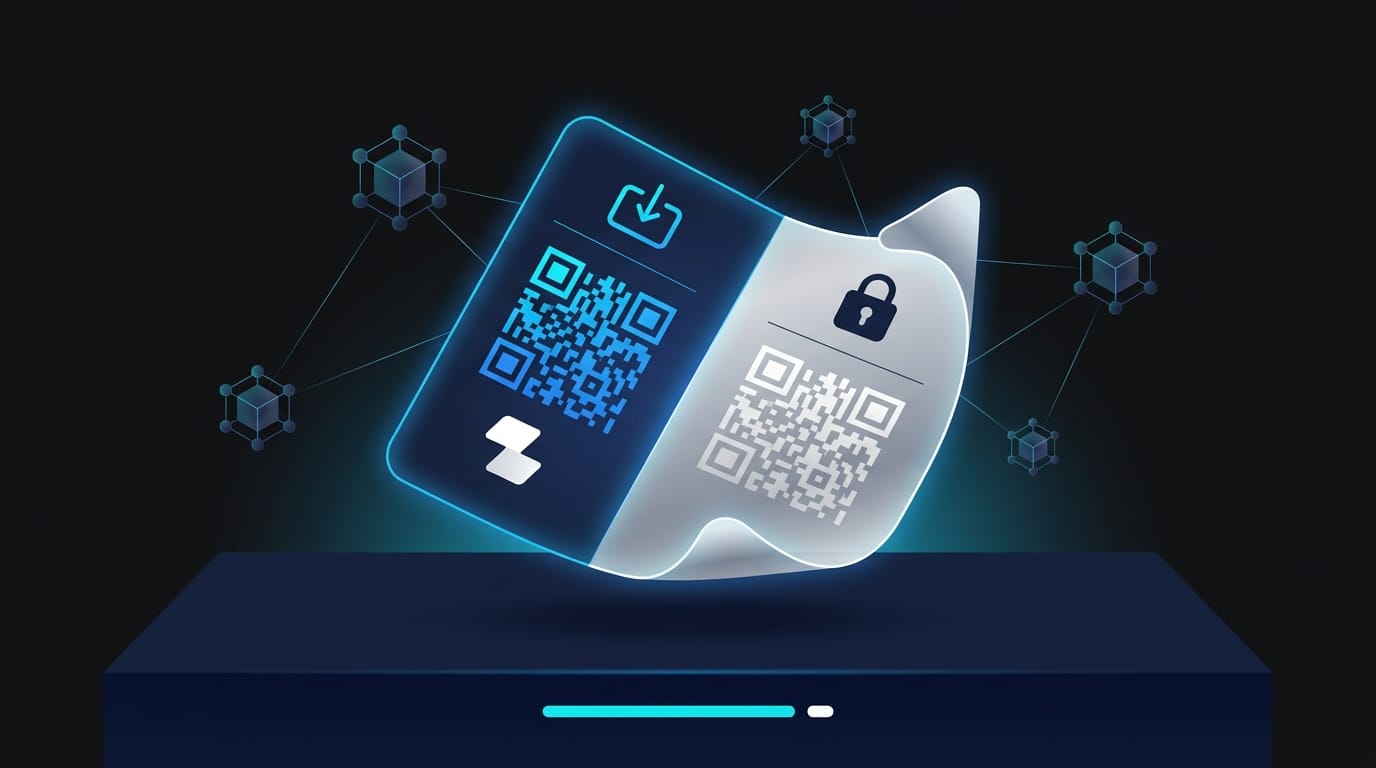
A paper wallet is exactly what it sounds like: a physical printout - or handwritten record - of the cryptographic key pair that controls a cryptocurrency address. That means a public key (your address, safe to share) and a private key (your spending authority, never to be shared) both appear on the same sheet of paper, typically alongside QR codes for convenient scanning.
The critical thing to understand from the start: the paper wallet doesn't store your crypto. Your Bitcoin or Ethereum lives on the blockchain. What the paper stores is the proof of ownership - the private key that signs transactions and proves you control those on-chain funds. Lose the paper without a backup, and the funds are permanently inaccessible.
Paper wallets are non-custodial by nature. No exchange, platform, or third party holds your keys. You do. That self-custody principle is one of the most important features of this storage method - and one of its sharpest double edges.
How Does a Paper Wallet Work? Public Keys, Private Keys, and QR Codes
The mechanics come down to public-key cryptography. When a paper wallet generator runs, it produces a mathematically linked key pair using a randomness source. The two keys are related but asymmetric: you can derive nothing useful about the private key from the public key alone.
When someone sends Bitcoin to your paper wallet address, that transaction is recorded on-chain. The funds sit at that address - accessible only to whoever controls the private key. The QR codes are simply visual encodings of the alphanumeric key strings, making it faster to scan with a mobile wallet app instead of typing out 52 characters by hand.
One practical warning: if you accidentally expose the private key QR code while scanning the public key side, anyone who photographs or scans it gains full control of your funds. Many paper wallets are printed with the private key folded inward or covered with a tamper-evident sticker for exactly this reason.
History and Decline of Paper Wallets - From 2011 to Today
Paper wallets emerged around 2011 as Bitcoin's first accessible offline storage method. Early adopters and exchanges embraced them enthusiastically - they were cheap, air-gapped by definition, and required nothing more than a printer. By 2013, they were arguably the recommended cold storage approach for anyone holding significant Bitcoin.
The decline started around 2016, driven by hardware wallets entering the market. Devices from Ledger and Trezor offered something paper wallets couldn't: cold storage with usability. You could transact without ever exposing your private key to an internet-connected environment, recover your wallet from a seed phrase if the device was lost, and use PIN protection against physical theft.
PAPER WALLET TIMELINE: 2011 → 2026
2011
Paper wallets emerge as Bitcoin's cold storage standard - cheap, air-gapped, printer-only.
2013
Peak adoption - major exchanges offer paper wallet printing directly from accounts.
2014 - Key turning point
First dedicated hardware wallets ship. Cold storage with usability becomes possible for the first time.
2016
Decline accelerates as hardware wallets gain mainstream traction among serious holders.
2026
Paper wallets remain a valid niche option for backups and gifting - not the recommended default for significant holdings.
Today, most security-conscious experts recommend hardware wallets for significant holdings. Paper wallets occupy a narrower role: emergency backups, gifting crypto, or zero-cost storage for modest amounts. Before evaluating whether a paper wallet suits your needs, understanding the creation process - and where it goes wrong - is essential.
How to Create a Paper Wallet - Step-by-Step for Beginners
Creating a paper wallet correctly requires more care than most guides suggest. The generation process itself introduces the most serious risks - and most of those risks come from being connected to the internet at the wrong moment.
The core rule: generate your keys offline, on a device that has never been connected to the internet if possible. For a broader overview of all cryptocurrency wallet types and their trade-offs, it's worth reading the fundamentals before committing to any single approach.
⚠ Critical Security Warning
- Web-based generator on a connected device → private key may be logged server-side, exposed to browser scripts, or retained for future compromise.
- Networked printer (WiFi / office shared) → print jobs stored in internal memory create recoverable key exposure.
- Screenshots or photos of the private key → cloud sync instantly destroys offline security.
Online vs. Offline Paper Wallet Generation - Security Trade-offs
The answer is unambiguous: always generate offline. Here's the step-by-step process for anyone creating a paper wallet intended for actual use:
Step-by-Step: Offline Paper Wallet Creation
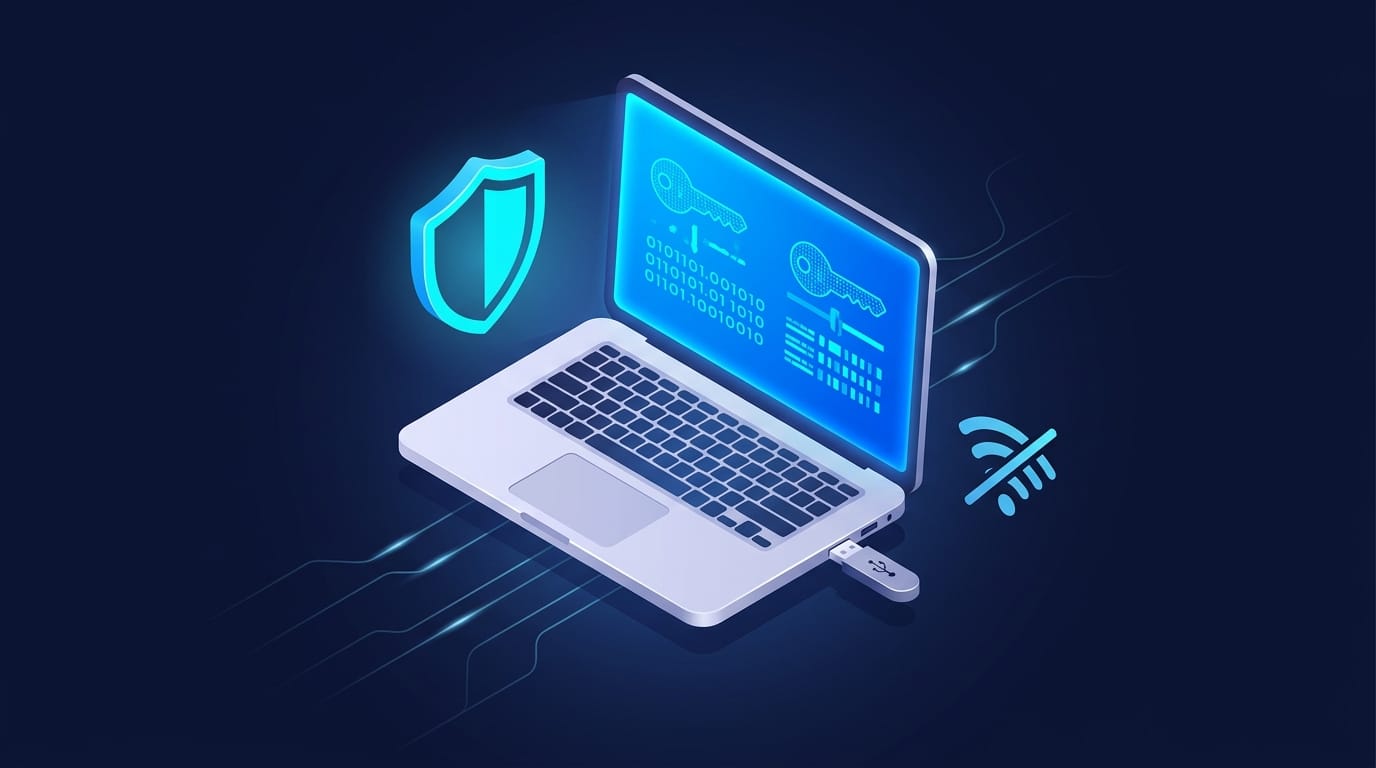
- Get a fresh USB drive - ideally one that has never been used on a compromised computer. Load it with a trusted, open-source paper wallet generator (for Bitcoin, bitaddress.org can be downloaded as a standalone HTML file; verify the hash before using).
- Download the generator on a clean, internet-connected machine - do this verification step online, then transfer the generator to the USB.
- Disconnect the target computer from the internet - physically unplug ethernet, disable WiFi. For maximum security, use a device that has never been online.
- Run the generator offline - plug in the USB, open the generator file locally. Move your mouse randomly to add entropy to the key generation process (most generators prompt for this).
- Print the keys including QR codes - use a printer that isn't networked (not a shared office printer or one with WiFi). Many inkjet printers store recent print jobs in internal memory - a dedicated offline printer is ideal.
- Record which side is which - label the public key ("Receive / Share") and private key ("Private - Never Share") clearly before any folding or sealing.
- Never save digital copies of the private key - no screenshots, no photos, no cloud saves. The moment the private key exists in a file, it's no longer cold storage.
After printing, you have a functional paper wallet. What happens next - storage - is where most people make costly mistakes.
How to Safely Store a Paper Wallet - Physical Security Best Practices
The irony of paper wallets is that surviving digital attacks is the easy part. Paper itself is the vulnerability. I've seen people generate technically flawless paper wallets and then store them in a desk drawer, where they were destroyed by a spilled coffee within six months.
Physical security for a paper wallet requires the same mindset you'd apply to storing a bearer instrument - because that's essentially what it is. Whoever holds the paper controls the funds.
📊 Paper Wallet Storage Checklist
- ✅ Stored in a fireproof and waterproof safe (minimum UL-rated for 1 hour at 1,700°F)
- ✅ Laminated at home - never at a print shop or public service (exposing the private key side to a scanner or employee creates risk)
- ✅ Multiple copies kept in geographically separate secure locations (home safe + trusted family member's safe)
- ✅ Private key side never photographed, scanned, or digitally transmitted under any circumstance
- ✅ Paper wallet treated as single-use - after the first spending transaction, the wallet's cold-storage integrity is compromised and it should be retired
One counterintuitive point on multiple copies: making duplicates reduces loss risk but increases theft exposure. Each additional copy is another attack surface. Think of it like making multiple door keys - the first person through the door keeps all the crypto, and no other key works afterward. Store copies with people and in locations you genuinely trust.
For holdings you plan to keep for years, consider engraving your keys on stainless steel or titanium plate instead of paper. Metal backup products (or even a DIY metal stamping kit) eliminate paper's physical fragility entirely while preserving the same offline security model.
One last point on storage: once you've imported your private key into a software wallet - even briefly, even to check a balance - the paper wallet's cold-storage guarantee ends. The key has touched a connected device. At that point, treat the wallet as compromised and move funds to a fresh cold storage address. The complete 2026 guide to crypto cold storage goes deeper on distributed key strategies if you're managing larger holdings.
Paper Wallet Risks, Vulnerabilities, and Common Mistakes
The physical risks are obvious. The technical ones aren't - and the technical ones tend to cause permanent fund loss in ways that feel completely unexpected to someone who thought they were doing everything right.
Four categories of risk to understand before using a paper wallet:
1. Physical vulnerability - fire, water, fading ink, accidental destruction. Inkjet-printed keys can become unreadable within a few years depending on ink quality and storage conditions. Thermal paper (from some printers) fades reliably. This is why lamination and durable materials matter.
2. The change address problem - spending part of a paper wallet's balance can silently destroy the rest of your funds if you don't understand how Bitcoin transactions work. This is the risk most guides underexplain.
3. Sweeping vs. importing - how you move funds from a paper wallet into an active wallet determines whether the change address risk applies to you. Choosing the wrong method is a common and expensive mistake.
4. Address reuse - using the same paper wallet address repeatedly reduces both security and on-chain privacy over time.
⚠ Risk Disclaimer
- Self-custody → no recovery mechanism if keys are lost or destroyed
- Permanent fund loss → no customer support, no reset option, no seed phrase recovery
- Generation exposure → any internet-connected device or printer may compromise the private key before the wallet is ever used
The Change Address Problem - A Critical Risk Most Guides Miss
Bitcoin doesn't work like a bank account where you hold a balance and spend portions of it. It works on a UTXO model - Unspent Transaction Outputs. When you "spend" Bitcoin, the transaction actually consumes the entire balance of the source address and creates new outputs: one to the recipient, and one "change" output back to a change address. You can read more about how transaction blocks record and process these outputs on the Bitcoin network.
Here's where paper wallets become dangerous:
This isn't theoretical. People have permanently lost significant Bitcoin this way - spending a portion of a paper wallet balance without realizing the "change" went somewhere they couldn't access. If you're spending from a paper wallet, always sweep the entire balance to a software wallet first. Then spend from there.
Sweeping vs. Importing a Paper Wallet - Which Method Is Safer?
Two methods exist for moving funds from a paper wallet into an active wallet. They sound similar but work very differently:
Sweeping works by creating a new transaction that sends the paper wallet's entire balance to a freshly generated address in your software wallet. The old paper wallet key is effectively burned - it holds zero balance. Any future "change" from transactions goes to your software wallet's change addresses automatically.
After sweeping, physically destroy the paper wallet or at minimum mark it clearly as retired. A zero-balance key is useless to an attacker, but a misplaced retired wallet could cause confusion later.
Always sweep. Never import.

Paper Wallet vs. Hardware Wallet vs. Software Wallet - Full Comparison
Most people researching paper wallets are really asking a more fundamental question: what's the right cold storage approach for my situation? The Bitcoin wallets guide covers the full spectrum of wallet types if you want more depth on hot wallet options alongside cold storage. Here's the honest comparison across the three primary approaches.
The hardware wallet wins on nearly every axis except cost. Ledger and Trezor - the two dominant hardware wallet providers - offer seed phrase recovery, PIN protection, and transaction signing that keeps the private key inside the secure chip at all times. Even if you connect the device to a malware-infected computer, the private key never leaves the hardware.
Paper wallets can't match that. But they can cost nothing.
When a Paper Wallet Still Makes Sense - Niche Use Cases in 2026
I won't pretend paper wallets are obsolete for every user. Three genuine use cases remain:
Paper Wallets Still Make Sense When…
- You're gifting crypto in physical form - a paper wallet printed as a "Bitcoin gift card" is a tangible, memorable way to introduce someone to self-custody. Small amounts only; the recipient should sweep funds to a proper wallet promptly.
- You need a zero-cost emergency offline backup - if you already have a hardware wallet and want a physically distributed backup of a small portion of holdings, a paper wallet in a separate geographic location adds redundancy without additional hardware cost.
- You hold very modest amounts and cannot justify hardware wallet cost - for holdings under $50 equivalent, the economics of a €100+ hardware wallet don't make sense. A carefully generated offline paper wallet is a reasonable stopgap.
For anything beyond these scenarios - particularly for holdings you'd genuinely be distressed to lose - a hardware wallet is the correct answer. The seed phrase recovery alone is worth the cost.

Alternatives to Paper Wallets - Better Options for Most Crypto Users
The cold storage spectrum has expanded significantly since 2011. Paper wallets occupy the simplest end; multi-signature setups occupy the most secure. Here's where each alternative fits:
1. Metal Backup Solutions
The same concept as a paper wallet - offline key storage - but on indestructible material. Products like Cryptosteel Capsule or Bilodeau plates let you stamp or engrave your seed phrase or private key into stainless steel. Fire-resistant, water-resistant, and immune to fading. If you're committed to the paper wallet concept but concerned about physical fragility, a metal backup is the obvious upgrade. Cost: €50-€150.
2. Hardware Wallets
Ledger and Trezor dominate this space. Private keys generate and stay inside a secure chip; the device signs transactions without ever exposing keys to a connected environment. Seed phrase recovery means losing the device doesn't mean losing funds. The professional standard for anyone holding meaningful crypto value. Cost: €60-€200.
3. Multi-Signature Wallets
The most secure configuration for significant holdings. Multi-sig requires multiple independent private keys to authorize a transaction - commonly 2-of-3 or 3-of-5. Even if one key is compromised, funds remain inaccessible without the threshold of signatures. Used by exchanges, institutional holders, and sophisticated self-custody practitioners. Setup complexity is real, but platforms like Gnosis Safe (for Ethereum-based assets) have made multi-sig more accessible. Cost: Setup time; minimal ongoing fees.
Platforms built around self-custody and on-chain verifiability - like Zipmex - reflect the broader DeFi direction: users maintaining control of their own keys, with on-chain verification replacing trusted intermediaries. Paper wallets were an early expression of that principle. The principle hasn't changed; the tools have gotten better.
Conclusion - Should You Use a Paper Wallet in 2026?
The answer depends entirely on who you are and what you're trying to accomplish.
Beginners with modest holdings: A paper wallet is a viable starting point if a hardware wallet isn't accessible yet - provided you generate it offline, store it in a fireproof location, and understand that it's single-use. Don't treat it as a long-term solution. Use it to learn self-custody; upgrade to a hardware wallet when your holdings justify it.
Experienced holders with significant funds: Paper wallets aren't the right tool. Hardware wallets with tested seed phrase recovery are the professional standard. The fragility risk and the lack of any recovery mechanism are unacceptable when the stakes are high.
Advanced users seeking maximum security: Look at multi-signature configurations, metal backup storage, and geographically distributed key management. Paper wallets can play a supporting role as one physical copy among several, but shouldn't be your primary setup.
✓ PAPER WALLET PROS
- Zero cost - printer + paper only
- Fully offline - immune to remote attacks
- Conceptually simple - no device, no software, no subscription
✕ PAPER WALLET CONS
- No recovery option if lost or destroyed
- Physical fragility - fire, water, fading
- Single-use by design - spending requires sweeping first
The paper wallet remains what it's always been: a powerful concept executed on fragile material. Self-custody is worth pursuing. The method you choose to implement it should match both your technical confidence and the value you're protecting.
Crypto trading and self-custody involve substantial risk of loss. This article is for informational purposes only and does not constitute financial advice. Always assess your own risk tolerance before selecting a custody method.
Last updated: March 2026.
Frequently Asked Questions
What is a paper wallet in crypto?
A paper wallet is a physical printout of a cryptocurrency wallet's public and private keys, typically displayed as alphanumeric strings and QR codes. It's a form of cold storage - the keys are kept entirely offline, which eliminates the risk of remote hacking. The paper wallet doesn't store cryptocurrency itself; it stores the cryptographic proof of ownership that allows you to access funds held at that address on the blockchain. Because it's non-custodial, you - and only you - control access to your funds.
How does a paper wallet work?
A paper wallet works through public-key cryptography. A key generator creates a mathematically linked pair: a public key (your wallet address, safe to share so others can send you funds) and a private key (your spending authority, which must remain secret). When crypto is sent to your public address, it's recorded on the blockchain. To spend or move those funds, you use the private key to sign a transaction. The QR codes on a paper wallet simply encode these keys visually for easier scanning with a mobile wallet app.
Is a paper wallet safe to use in 2026?
A paper wallet can be secure if created and stored correctly - but it requires significantly more care than modern alternatives. The main risks aren't digital: they're physical. Fire, water, ink fade, theft, and irreversible loss are the real threats. Created offline using a trusted open-source generator, stored in a fireproof and waterproof safe, and never reused after a spending transaction, a paper wallet provides genuine cold-storage security. For most users in 2026, hardware wallets offer equivalent offline security with far better usability and seed phrase recovery.
What is the difference between sweeping and importing a paper wallet?
Importing copies your paper wallet's private key into a software wallet - both the paper and the software now share the same key. The funds can be accessed, but the change address risk remains: if you spend only part of the balance, unspent change may go to an auto-generated address you don't control. Sweeping creates a new transaction sending the entire balance to a fresh key in your software wallet, retiring the original paper wallet key. After sweeping, the old key has zero balance; all future transactions use your software wallet's internal key management. Always sweep.
What is the change address problem in Bitcoin paper wallets?
Bitcoin transactions consume the entire balance of a source address and produce new outputs. When you spend from a paper wallet, the transaction takes the full amount at that address and produces two outputs: one to your intended recipient, and one "change" output. If you haven't configured a change address linked to a key you control, the change goes to an auto-generated address - which may be inaccessible to you. The result: you send 0.5 BTC, intend to keep 1.5 BTC, and permanently lose the 1.5 BTC. Sweeping the entire paper wallet balance to a software wallet before any spending transaction eliminates this risk entirely.
What are the best alternatives to a paper wallet?
Three main alternatives, ranked by protection level: (1) Metal backup solutions - engrave or stamp your private key or seed phrase onto stainless steel. Fireproof, waterproof, and durable. Ideal if you like the paper wallet concept but want indestructible storage (€50-€150). (2) Hardware wallets - dedicated devices like Ledger or Trezor that keep the private key inside a secure chip, offer PIN protection, and provide seed phrase recovery. The professional standard for most holders (€60-€200). (3) Multi-signature wallets - require multiple independent keys to authorize transactions; used by institutions and advanced self-custody practitioners for maximum security.
Is a paper wallet a non-custodial wallet?
Yes - a paper wallet is non-custodial by definition. You generate the keys yourself, the keys are stored only on your physical paper, and no third party ever holds or has access to your private key. This contrasts with custodial wallets (exchange accounts, some apps) where the platform holds your keys on your behalf. Non-custodial means you bear full responsibility for key management - there's no account recovery, no support ticket that restores access, and no institutional safeguard if the paper is lost or destroyed. The autonomy and the risk come as a package.