The Binance Smart Chain hosts millions of deployed BEP20 token contracts - and the wallet you choose to store them in matters far more than most people realize. After spending months evaluating the top 10 BEP20 wallets across security architecture, DeFi compatibility, and real-world usability, I've ranked the options that genuinely deserve your attention in 2026.
⚡ Key Takeaways
- A BEP20 wallet is a self-custodial tool for storing, sending, and receiving tokens on Binance Smart Chain
- Best for beginners: Trust Wallet - native BSC support, zero configuration required
- Best for security: Ledger Nano X - private keys stay completely offline
- Fastest setup: MetaMask + manual BSC configuration (under 3 minutes)
What Is a BEP20 Wallet? Token Standard, Addresses & How It Works
Not every crypto wallet works with BEP20 tokens out of the box. A BEP20 wallet is specifically designed - or configurable - to interact with the BEP20 token standard on Binance Smart Chain (BSC). These wallets let you store tokens, sign transactions, and connect to DeFi protocols, with all activity verified and settled on-chain.
The BEP20 standard is a set of smart contract rules defining how tokens behave on BSC - analogous to ERC20 on Ethereum. One critical difference: gas fees on BSC are denominated in BNB, not ETH. That single shift makes BSC transactions dramatically cheaper for frequent DeFi users.
How the BEP20 Token Standard Works: Smart Contracts & Addresses
Every BEP20 token is a smart contract deployed on BSC with a unique 42-character contract address - identifiable and verifiable on BSCScan. To interact with any token, your wallet signs a transaction that the smart contract processes. That transaction costs BNB in gas, regardless of which BEP20 token you're moving.
Before adding any token to your wallet, paste its contract address into BSCScan first. Every deployment leaves a permanent on-chain footprint - token metadata, transaction history, holder count. If a token shows no verified contract or near-zero holders, treat that as an immediate red flag.
Token Verification Flow:
- Receive or discover a BEP20 token contract address
- Paste address into BSCScan → verify contract, holder count, and transaction history
- In your wallet, navigate to "Import Token" / "Add Custom Token"
- Paste contract address - name, symbol, and decimals auto-populate
- Fund wallet with BNB for gas before transacting
BEP20 vs ERC20: Key Differences Every Wallet User Should Know
BEP20 and ERC20 addresses look identical - both start with 0x. That creates one of the most expensive mistakes in crypto. Sending BEP20 tokens to an Ethereum address on the ERC20 network doesn't trigger an error message. The transaction confirms, the tokens leave your wallet, and there's no recovery path.
⚠ Critical Warning
- Always verify the active network (BSC vs Ethereum) before sending tokens. Wrong-chain transfers cannot be reversed.
- MetaMask users: confirm "BNB Smart Chain" is the selected network before initiating any BEP20 transaction.
MetaMask handles both networks via manual configuration - add BSC as a custom network and switch between Ethereum and BSC within the same wallet interface. Trust Wallet handles this automatically with native BSC support built in from the start.
Top 10 BEP20 Wallets Ranked: Software & Hardware Options for 2026
I evaluated wallets across five dimensions: self-custody model (does the user control private keys?), native BSC support, DeFi integration depth, hardware security tier, and realistic setup difficulty. Here are the top 10 BEP20 wallets split into software and hardware categories, followed by a full comparison table.
Best Software BEP20 Wallets (Free, Mobile & Browser-Based)
1. Best Wallet
Type: Non-custodial mobile | BSC Support: Native | Built-in DEX: Yes
Best Wallet covers 60+ blockchain networks with no KYC requirements. The built-in DEX aggregator handles BEP20 swaps without routing users to external sites, and staking integration gives passive yield access directly from the wallet UI. For users prioritizing a single app for multi-chain DeFi, it's the tightest package I've tested.
2. MetaMask
Type: Non-custodial browser + mobile | BSC Support: Configurable (3-min setup) | Built-in DEX: Yes
MetaMask has the deepest DeFi ecosystem access of any software wallet. Add BSC manually with Chain ID 56, and every major BSC protocol - PancakeSwap, Venus, Alpaca Finance - connects instantly via WalletConnect or direct injection. The tradeoff: default settings point to Ethereum, not BSC. New users occasionally forget to switch networks. Once configured, it's indispensable.
3. Trust Wallet
Type: Non-custodial mobile | BSC Support: Native | Built-in DEX: Yes (via DApp browser)
Trust Wallet is where I'd send any BSC beginner. Native support means zero network configuration, and the built-in DApp browser connects directly to PancakeSwap without MetaMask setup friction. Binance-backed development keeps it current with new BEP20 token launches. The private key structure remains non-custodial - your seed phrase, your funds.
4. Exodus
Type: Non-custodial desktop + mobile | BSC Support: Native | Built-in DEX: Yes
Exodus prioritizes design without sacrificing custody. It supports 260+ assets across 50+ networks with a real-time portfolio tracking dashboard. Staking for BNB and select BEP20 tokens is built into the interface. Experienced traders find it light on advanced DeFi features, but for portfolio management it's hard to beat visually.
5. OKX Wallet
Type: Non-custodial browser + mobile | BSC Support: Native | Built-in DEX: Yes
OKX Wallet's multi-chain architecture handles BSC natively alongside 50+ other chains. The Web3 browser integrates seamlessly with PancakeSwap and BSC DeFi protocols, and hardware-backed key storage on mobile puts it ahead of most competitors for technical users. WalletConnect compatibility covers any protocol it doesn't integrate natively.
6. SafePal
Type: Non-custodial mobile + hardware hybrid | BSC Support: Native | Built-in DEX: Yes
SafePal's unique position - bridging software wallet accessibility with optional hardware security - makes it worth including. The mobile app manages BEP20 tokens across 30+ chains with staking aggregation built in. For users considering upgrading from pure software to hardware without changing wallets, SafePal's S1 hardware integration into the same app is a compelling path.
Best Hardware BEP20 Wallets (Cold Storage for Maximum Security)
For a deep dive into how hardware wallets protect your assets across all chains, see Zipmex's complete guide to storing crypto safely.
7. Ledger Nano X / Stax
Type: Hardware cold storage | BSC Support: Via Ledger Live + MetaMask | Built-in DEX: No
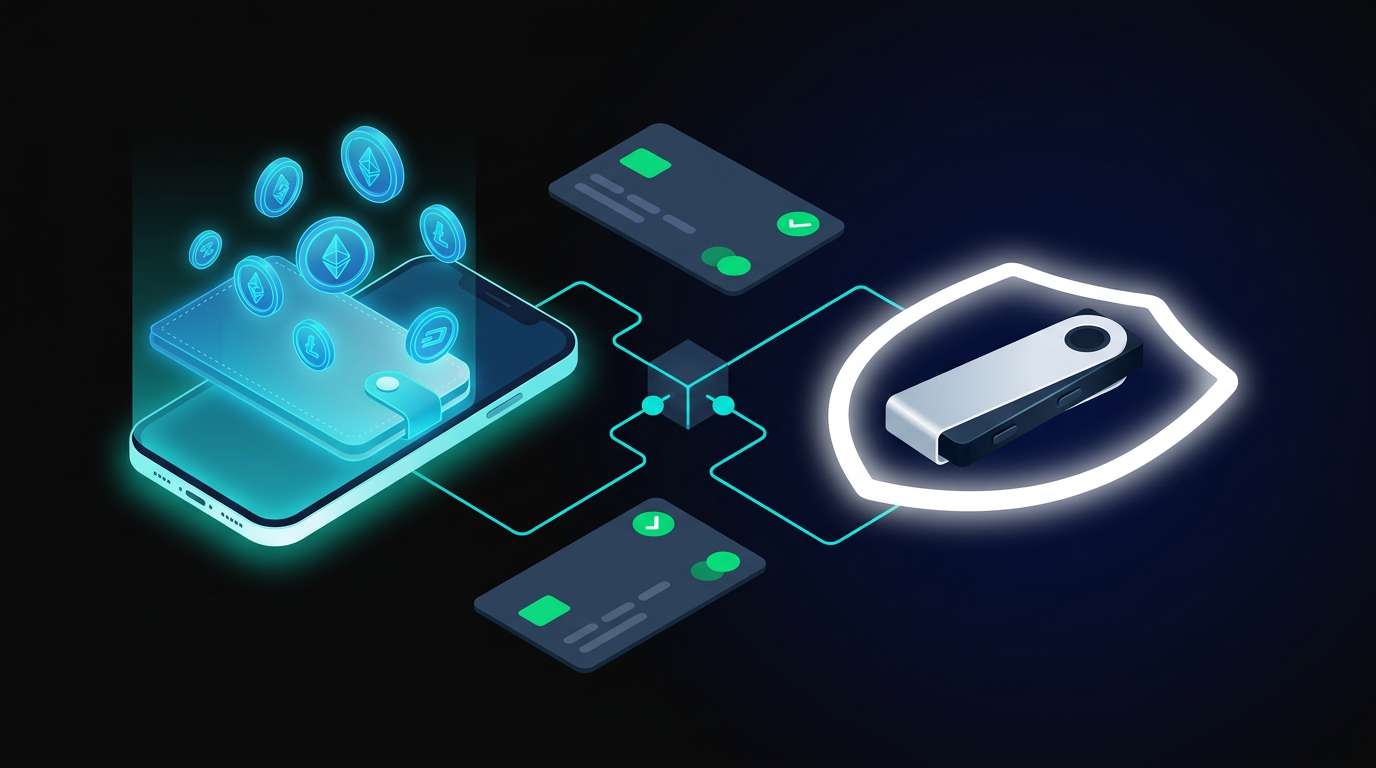
Ledger holds the largest market share in hardware wallets and supports 5,500+ assets including all BEP20 tokens via Ledger Live. The Nano X adds Bluetooth for mobile pairing; Stax adds a curved E Ink touchscreen. For BEP20 DeFi interactions, connect to MetaMask via Ledger's bridge - the hardware device signs each transaction while MetaMask handles the interface. Private keys never leave the device.
8. Trezor Safe 3 / Safe 5
Type: Hardware cold storage | BSC Support: Via MetaMask or Trezor Suite | Built-in DEX: No
Trezor's open-source firmware has a proven multi-year security track record. BSC integration works through MetaMask or compatible third-party interfaces. The Safe 3 includes an EAL6+ certified Secure Element chip; the Safe 5 adds biometric protection. If you prioritize auditable, open-source security code over closed-source alternatives, Trezor is the natural choice.
9. Ellipal Titan
Type: Hardware air-gapped cold storage | BSC Support: Via QR code signing | Built-in DEX: No
No USB. No Bluetooth. No WiFi. The Ellipal Titan communicates exclusively through QR codes - you sign transactions by scanning between the hardware device and the companion app. That physical isolation makes it immune to the malware and remote-access attacks that occasionally compromise hardware wallets with active network interfaces. The tradeoff is friction: every transaction requires two devices in proximity.
10. Cypherock X1
Type: Hardware distributed key storage | BSC Support: Via cySync | Built-in DEX: No
Cypherock eliminates the single seed phrase vulnerability by applying Shamir's Secret Sharing (SSS) to split private keys across five cards. Losing one card doesn't compromise the wallet - you need any two of the five to reconstruct access. For high-value BEP20 holdings where catastrophic key loss is the primary concern, the SSS architecture offers a resilience layer no other hardware wallet on this list matches.
BEP20 Wallet Comparison Table: All 10 Wallets Side by Side
How to Set Up a BEP20 Wallet: Step-by-Step for Beginners
Trust Wallet works out of the box for mobile; MetaMask requires brief BSC configuration for browser use. Here's the standard setup path for each.
Option A - Trust Wallet (Mobile, Fastest)
- Download from the official source - App Store / Google Play, or direct from trustwallet.com. Never download from third-party app stores.
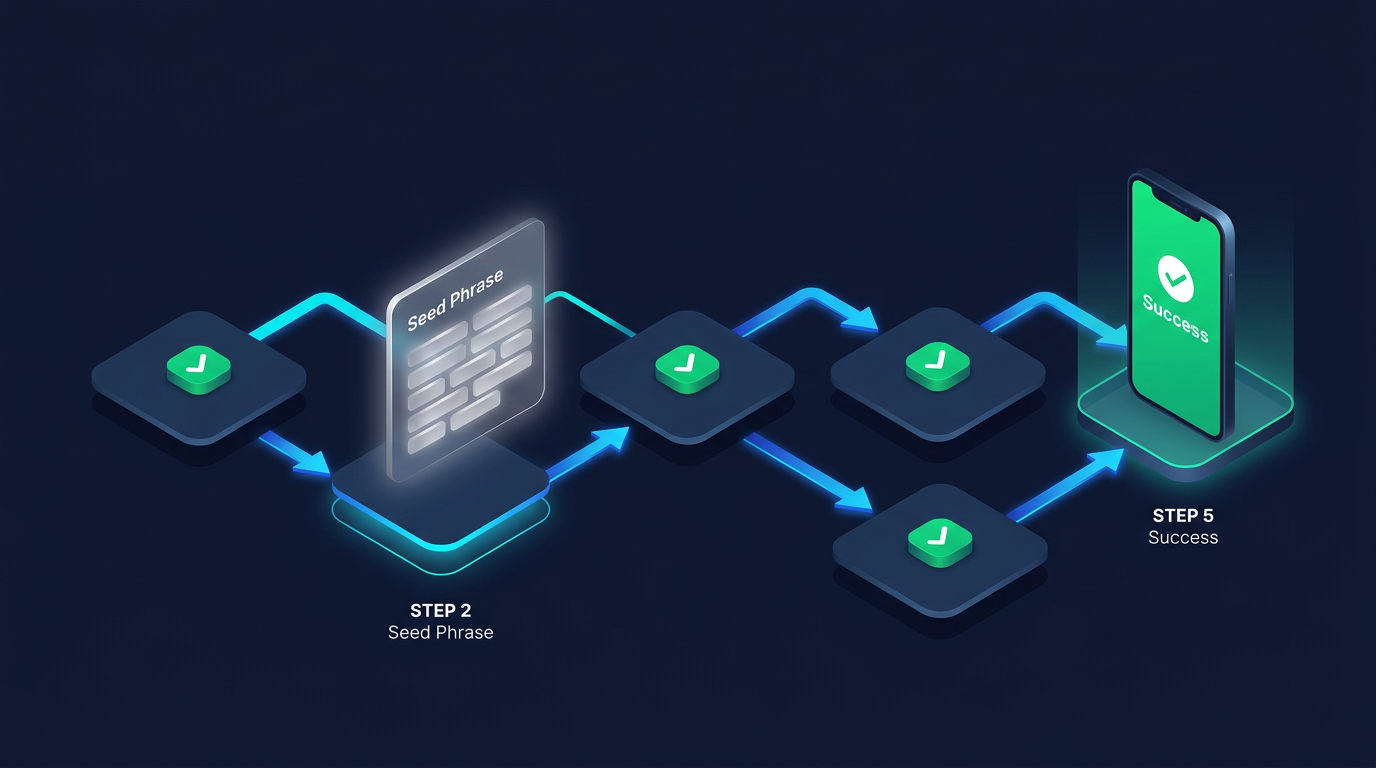
- Create a new wallet - select "Create New Wallet" and write down the 12-word seed phrase on paper. Do not screenshot it.
- Store seed phrase offline - physically, in a secure location. Not in your phone gallery, not in cloud storage.
- BSC is active by default - navigate to the token list and BEP20 tokens appear natively. Add BNB to cover gas fees before transacting.
- Add custom tokens via contract address - tap the "+" icon, search by contract address, confirm token details.
Option B - MetaMask + BSC (Browser, ~3 Minutes)
- Install from metamask.io - browser extension for Chrome/Firefox/Brave. Confirm the URL before installing.
- Create wallet and back up seed phrase - offline paper backup is mandatory.
- Add BSC network manually:
- Switch to "BNB Smart Chain" in the network dropdown before any BSC transaction.
- Fund with BNB before sending or swapping - gas is small but required for every transaction.
How to Choose the Best BEP20 Wallet: Evaluation Criteria
With the options reviewed, here's the framework for evaluating any BEP20 wallet - including newer options that will inevitably emerge in 2026 and beyond.
Key Security Criteria: Private Keys, Backup & Authentication
The single most important question about any wallet: who controls the private keys?
⚡ BEP20 Wallet Security Checklist
- Private key ownership - Non-custodial only. If the wallet provider holds your keys, you don't actually own your tokens.
- Offline seed phrase backup - 12 or 24-word recovery phrase generated during setup, stored physically on paper.
- 2FA availability - Software wallets with optional 2FA authentication layers add meaningful protection against unauthorized access.
- Local encryption - Wallet data encrypted with a password, inaccessible without decryption.
- No mandatory KYC - Most legitimate BEP20 wallets operate without identity verification, preserving user privacy.
Hardware wallets satisfy all five criteria simultaneously by design. They generate private keys on-device, keep them offline permanently, require physical confirmation for every transaction, encrypt storage, and operate without identity requirements.
Custodial vs Non-Custodial vs Hardware Wallet: Which Model Fits You?
Custodial exchange wallets work fine for converting fiat to crypto and executing basic spot trades. The moment you want to interact with DeFi protocols or hold tokens long-term, a non-custodial software wallet is the minimum viable setup. For holdings above $1,000, hardware is worth the cost and the minor friction.
BEP20 Wallet Red Flags & Scam Warning Signs to Avoid
⚠ Scam Alert
- Never enter your seed phrase → into any website or app that requests it - no legitimate wallet requires this, ever
Fake wallet apps and malicious contract addresses are among the most active attack vectors targeting BSC users. Learn how to spot crypto scams before they cost you - the attack patterns used against BSC wallet users are consistent and well-documented.
Common BEP20 Wallet Scam Tactics: Fake Apps, Phishing & Dust Attacks
One particularly aggressive tactic: dusting attacks, where tiny amounts of unknown tokens appear in your wallet. Interacting with these tokens - even attempting to swap them for zero value - can trigger malicious contract functions. If you receive tokens you didn't buy, check the contract on BSCScan before any interaction. If the contract shows red flags, leave the tokens completely alone.
Getting the Most from Your BEP20 Wallet: DeFi, Staking & Custom Tokens
A BEP20 wallet is your access point to the entire BSC DeFi ecosystem - not just token storage. With security established and threats understood, here's how to extract maximum utility.
Adding Custom BEP20 Tokens via Contract Address
Most major BEP20 tokens are auto-detected by Trust Wallet and MetaMask. For newer or less common tokens, manual import takes under a minute:
- Find the official contract address - from BSCScan or the project's verified website. Never use addresses shared in Telegram groups or Discord without independent verification.
- In MetaMask: Networks → BNB Smart Chain → Assets → Import Token → paste contract address.
- In Trust Wallet: Tap the token list icon → "Add Custom Token" → paste address.
- Auto-population confirms - the token name, symbol, and decimal count appear automatically if the contract is legitimate.
- Confirm and add - the token now appears in your balance.
DeFi, Staking, and NFT Management on Binance Smart Chain
All three use cases consume BNB as gas. A common beginner mistake: loading a wallet with BEP20 tokens but forgetting to include BNB for transactions. Keep a small BNB reserve - a few dollars covers hundreds of typical BSC transactions at current fee levels.
Alternatives to BEP20 Wallets: Multi-Chain and Cross-Chain Options
Users whose needs extend beyond BSC have compelling alternatives:
For users building portfolios across multiple chains - BSC for low-fee DeFi, Ethereum for blue-chip protocols, Solana for high-speed activity - a hardware wallet like Ledger combined with MetaMask covers all three simultaneously. Platforms built on genuine self-custody principles reflect an industry trajectory toward trustless, on-chain-verifiable ownership rather than custodial intermediaries - a standard that applies equally to wallets and to trading infrastructure like Zipmex.
Conclusion: Which BEP20 Wallet Is Right for You in 2026?
The right BEP20 wallet depends on your actual use case, not theoretical feature lists. Here's the breakdown by profile:
One principle cuts across all four profiles: control of your private keys is non-negotiable. Every wallet on this list is non-custodial for a reason. The BSC ecosystem will continue expanding in 2026 - new tokens, new DeFi protocols, new cross-chain opportunities. Your wallet choice either keeps you in control of that opportunity, or it doesn't.
If you're still undecided, start with the comparison table above and filter by the criteria that matters most to your situation. For most newcomers, Trust Wallet is the lowest-friction starting point - you can always migrate to hardware storage as your holdings grow.
Crypto trading and DeFi activities involve substantial risk of loss. Self-custodial wallets offer no recovery path if private keys or seed phrases are lost. This article is for informational purposes only and does not constitute financial advice. Evaluate your own risk tolerance before participating in any crypto or DeFi activity.
Last updated: March 2026.
Frequently Asked Questions
What is a BEP20 wallet?
A BEP20 wallet is a self-custodial cryptocurrency wallet designed to store, send, and receive tokens built on the BEP20 standard of Binance Smart Chain. Unlike exchange accounts where the platform holds your assets, a BEP20 wallet gives you direct control over your private keys - and therefore your tokens. The wallet connects to BSC's smart contract layer, enabling DeFi interactions, token swaps, and NFT management. Setting one up takes under five minutes and requires no identity verification for most options on this list.
Can I use MetaMask as a BEP20 wallet?
Yes - MetaMask works as a BEP20 wallet after a quick BSC network configuration. Navigate to Settings → Networks → Add Network, then enter: Network Name: BNB Smart Chain; RPC URL: https://chainlist.org/chain/56; Chain ID: 56; Currency Symbol: BNB; Block Explorer: bscscan.com. Switch to "BNB Smart Chain" before any BSC transactions. MetaMask's DeFi ecosystem integration - PancakeSwap, Venus, and hundreds of other protocols - makes it the most powerful software option for active users who want maximum protocol access.
What happens if I send BEP20 tokens to an ERC20 address?
If you send BEP20 tokens to an address on the wrong network, the tokens are typically lost permanently. The transaction confirms on BSC, but the receiving address on Ethereum holds no BEP20 balance. In some cases, if you control both addresses (both are your MetaMask accounts), you may recover by switching to BSC on the destination address. Prevention is the only reliable approach - confirm the active network every single time before approving any transaction.
Do I need BNB to use a BEP20 wallet?
Yes. BNB is the gas token for Binance Smart Chain, and every transaction on BSC requires a small BNB balance. According to BSCScan network data, typical fees range from fractions of a cent to under $0.30 depending on network congestion and contract complexity. A common beginner mistake: loading a wallet with BEP20 tokens but no BNB, then finding those tokens stuck and unmovable. Always maintain a small BNB reserve - a few dollars covers hundreds of standard BSC transactions.
What is the difference between a custodial and non-custodial BEP20 wallet?
A custodial wallet is managed by a third party - typically an exchange - which holds your private keys on your behalf. If the platform is hacked, frozen, or shut down, you may lose access to your funds. A non-custodial wallet stores private keys on your device, giving you sole control. Every wallet on this Top 10 list is non-custodial. The trade-off: losing your seed phrase means permanent loss with no recovery option. Self-custody is the operating standard for serious BSC users.
How do I recover a BEP20 wallet if I lose my phone?
Recovery uses your 12 or 24-word seed phrase, which you should have written down during initial setup. Install the same wallet app - or any compatible BIP-39 wallet - on a new device, select "Restore Wallet," and enter the seed phrase. Your full balance, token list, and transaction history restore from the blockchain automatically. This is why seed phrase storage is critical: it's the master key to all funds in that wallet. Anyone who obtains your seed phrase can drain the wallet instantly, from any device, anywhere.
What should I do if I receive unknown BEP20 tokens in my wallet?
Don't interact with them. Unknown tokens appearing unsolicited - a technique called dusting - often carry malicious contract logic designed to drain your wallet when you attempt to swap or approve the token. Navigate to BSCScan, look up the contract address, and assess the deployment. If the contract is unverified, has suspicious functions, or was recently deployed with minimal external holders, ignore it entirely. Never approve an unknown token's contract interaction, regardless of the displayed balance or apparent value.