PolygonScan is the tool every serious Polygon user needs in their toolkit - and most people only scratch the surface of what it can do. If you've ever sent MATIC and couldn't confirm whether the transaction went through, or wanted to verify whether a DeFi protocol's smart contract was actually audited, this guide is for you. We'll cover everything from the basics of reading a transaction to advanced features like gas optimization, NFT ownership verification, and on-chain contract interaction.
⚡ Key Takeaways
- PolygonScan is the official block explorer for the Polygon blockchain - a free, public tool that indexes all on-chain activity
- It was built in partnership with the Etherscan team, using the same underlying technology
- Core use cases: transaction tracking, wallet monitoring, smart contract verification, gas fee analysis, and NFT tracking
- Unlike Etherscan, PolygonScan is designed specifically for Polygon and MATIC - you cannot use it to look up Ethereum transactions
- No account needed for basic features - registration unlocks watchlists, private notes, and address tagging
What Is PolygonScan? Definition and Core Purpose
PolygonScan is the official block explorer for the Polygon blockchain. Think of it as a real-time, public ledger that anyone can read - every transaction, wallet balance, smart contract deployment, and token transfer on Polygon is recorded here and fully searchable. Built by the Etherscan team in close collaboration with Polygon, it brings the same battle-tested explorer infrastructure to Polygon's ecosystem. To understand what MATIC is and how the Polygon network works, that context helps you get far more out of PolygonScan.
The core value proposition is blockchain transparency. There are no hidden records, no opaque processes. Every action on Polygon is cryptographically committed to the chain and becomes part of a permanent, publicly verifiable history. PolygonScan makes that history readable for humans - translating raw blockchain data into understandable transaction details, wallet summaries, and contract code.
Access is completely free. You don't need an account to track any wallet, verify any contract, or check any transaction. That openness is by design - a block explorer only adds value when it's universally accessible.
How PolygonScan Works: Blockchain Data Indexing
Every time a transaction occurs on Polygon, it gets broadcast to the network, validated by nodes, and written into a block. Each block is assigned a sequential number - its Block Height - indicating its position in the chain. Block 0 was the genesis block; the chain now contains hundreds of millions of blocks.
PolygonScan continuously indexes this data, pulling every transaction, contract event, token transfer, and wallet interaction into a searchable database. The moment your transaction gets confirmed on-chain, it appears on PolygonScan with a unique Transaction Hash - a 66-character string that acts as its fingerprint. Every Smart Contract deployed on Polygon also gets its own address, which PolygonScan indexes with full code and event history. To understand how smart contracts work on EVM-compatible chains, that foundation applies directly to everything you'll see on PolygonScan.
Here's what that pipeline looks like in practice:
- You initiate a transaction - your wallet signs and broadcasts it to the Polygon network
- Validators pick it up - the transaction enters the pending pool and gets included in a block
- The block is confirmed - the transaction is permanently written to the chain with a Block Height
- PolygonScan indexes it - within seconds, the transaction is searchable by hash, address, or block number
Key Features of PolygonScan
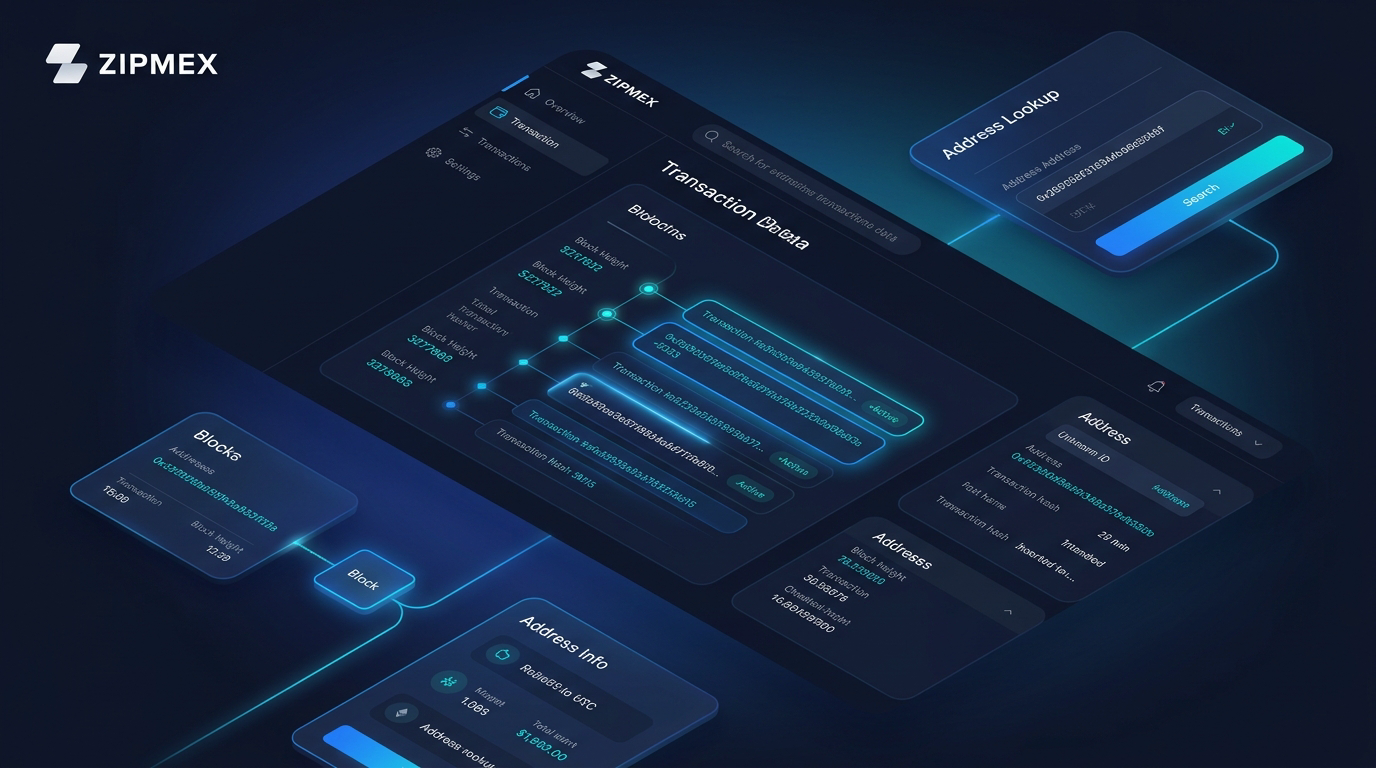
The homepage of PolygonScan gives you an immediate snapshot of the Polygon network: current MATIC/POL price, latest blocks, recent transactions, and network throughput. Dig deeper, and you'll find a full suite of tools covering every aspect of on-chain activity.
- 📊 Transaction Tracking - real-time status for any transaction by hash
- 👛 Wallet Monitoring - full balance and history for any Polygon address
- ✅ Smart Contract Verification - read and interact with verified contract code
- ⛽ Gas Tracker - live gas prices and fee breakdown per transaction
- 🖼 NFT Tracking - ownership, transfer history, and metadata for ERC-721 tokens
- 📈 Token Analytics - supply, holder count, transfers, and DEX trades for ERC-20 tokens
Transaction Tracking and Status Monitoring
Paste any transaction hash into the PolygonScan search bar and you'll get a complete breakdown within seconds. The transaction page shows the sender address, recipient address, the value transferred, gas consumed, block number, and timestamp - every piece of data you need to confirm a transaction settled correctly.
Failed transactions still consume gas because validators did execute the transaction attempt - it just reverted due to a contract error, insufficient gas limit, or a third-party dApp issue. That's why seeing a "Fail" status doesn't mean your MATIC vanished - it means the execution didn't complete, and the funds typically remain in your wallet minus the gas fee.
Wallet Address Lookup and Portfolio Monitoring
Enter any Polygon wallet address and PolygonScan surfaces a complete activity profile. At a glance you'll see the MATIC balance, its current USD value, the total value of all ERC-20 tokens held, and a full transaction history organized into tabs:
- Transactions - external transfers initiated by the wallet
- Internal Transactions - contract-triggered transfers (common in DeFi interactions)
- ERC-20 Token Txns - all fungible token movements
- ERC-721 Token Txns - NFT transfers
- ERC-1155 Token Txns - multi-token standard activity
This isn't just useful for monitoring your own wallets. If you're about to transact with a new counterparty or send funds to a DeFi protocol, checking the destination address on PolygonScan first is basic on-chain hygiene. You can verify it's been active, see what it's interacted with, and spot anything suspicious before committing funds. Understanding what DeFi is and how it operates gives useful context for why this verification step matters.
Pro Tip: Bookmark your primary wallet address on PolygonScan for one-click access to your complete on-chain history.
Smart Contract Verification and Interaction
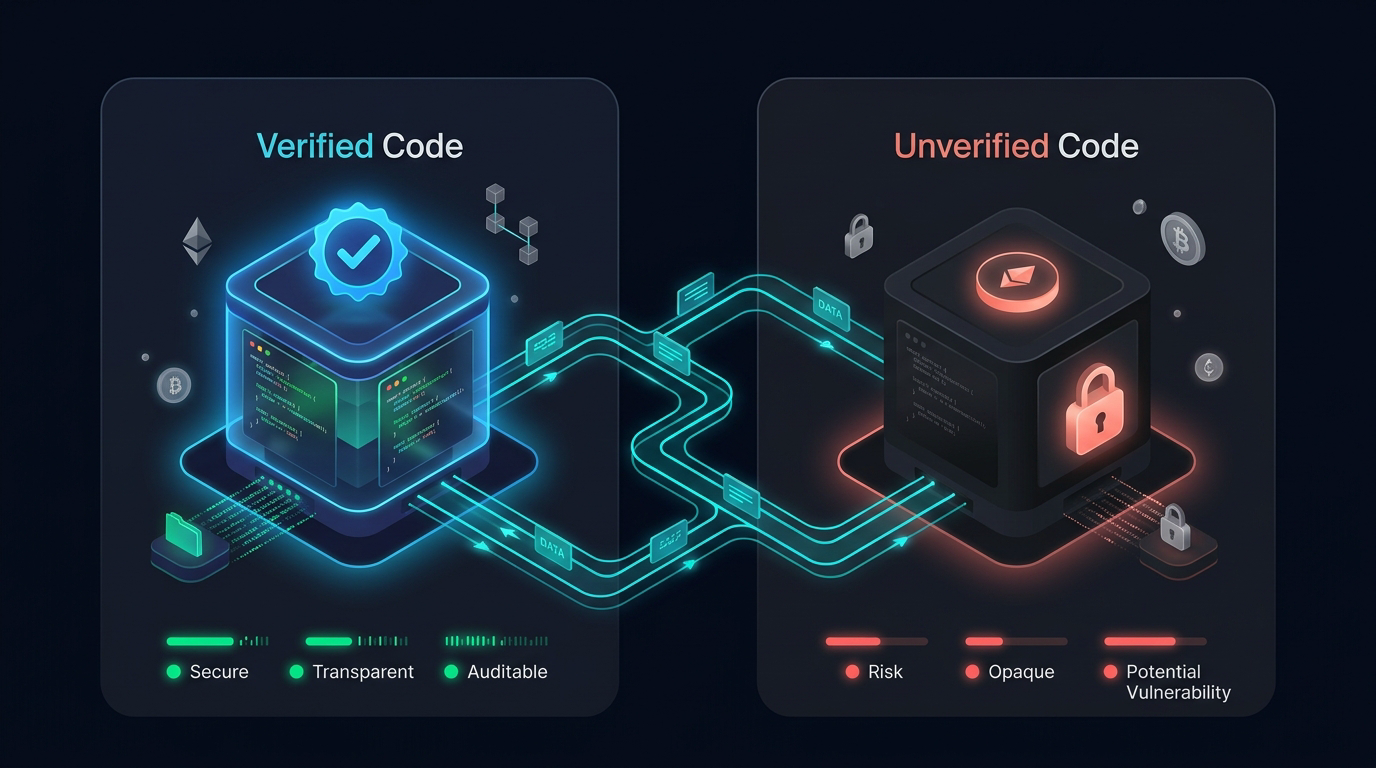
Not all smart contracts on Polygon are created equal. PolygonScan distinguishes between verified and unverified contracts - a distinction that matters significantly in DeFi.
A verified contract has its source code publicly submitted to and confirmed by PolygonScan. You can read the full Solidity code, understand exactly what the contract does, and confirm it matches its deployed bytecode. An unverified contract shows only compiled bytecode - opaque machine code that's nearly impossible to audit without specialized tools.
For DeFi users, this is a meaningful signal. Legitimate protocols almost always verify their contracts. A major contract with no verification is a yellow flag worth investigating before you interact with it.
PolygonScan offers two interaction modes for verified contracts:
- Read Contract - query the contract's current state without spending gas (view balances, check parameters, read public functions)
- Write Contract - submit transactions that change contract state (still in Beta; apply caution and confirm what each function does before signing)
You can find all verified contracts via Blockchain → Verified Contracts in the navigation.
Gas Tracker and Fee Analysis
Gas on Polygon is paid in MATIC and measured in Gwei - a fractional unit of MATIC (1 MATIC = 1,000,000,000 Gwei). PolygonScan's dedicated Gas Tracker page shows the current cost at three speed tiers, the pending transaction pool, and useful consumption data. For a deeper look at how gas and gas limits work across EVM networks, that background translates directly to PolygonScan's fee display.
The Gas Tracker also highlights Gas Guzzlers - the top 25 contracts currently consuming the most gas - and Gas Spenders - the top 25 addresses paying the most in fees. During periods of high network activity, checking this before sending transactions can save meaningfully on costs.
Pro Tip: Check the Gas Tracker during off-peak hours to catch lower base fees before executing large DeFi transactions.
How to Use PolygonScan: Step-by-Step for Beginners
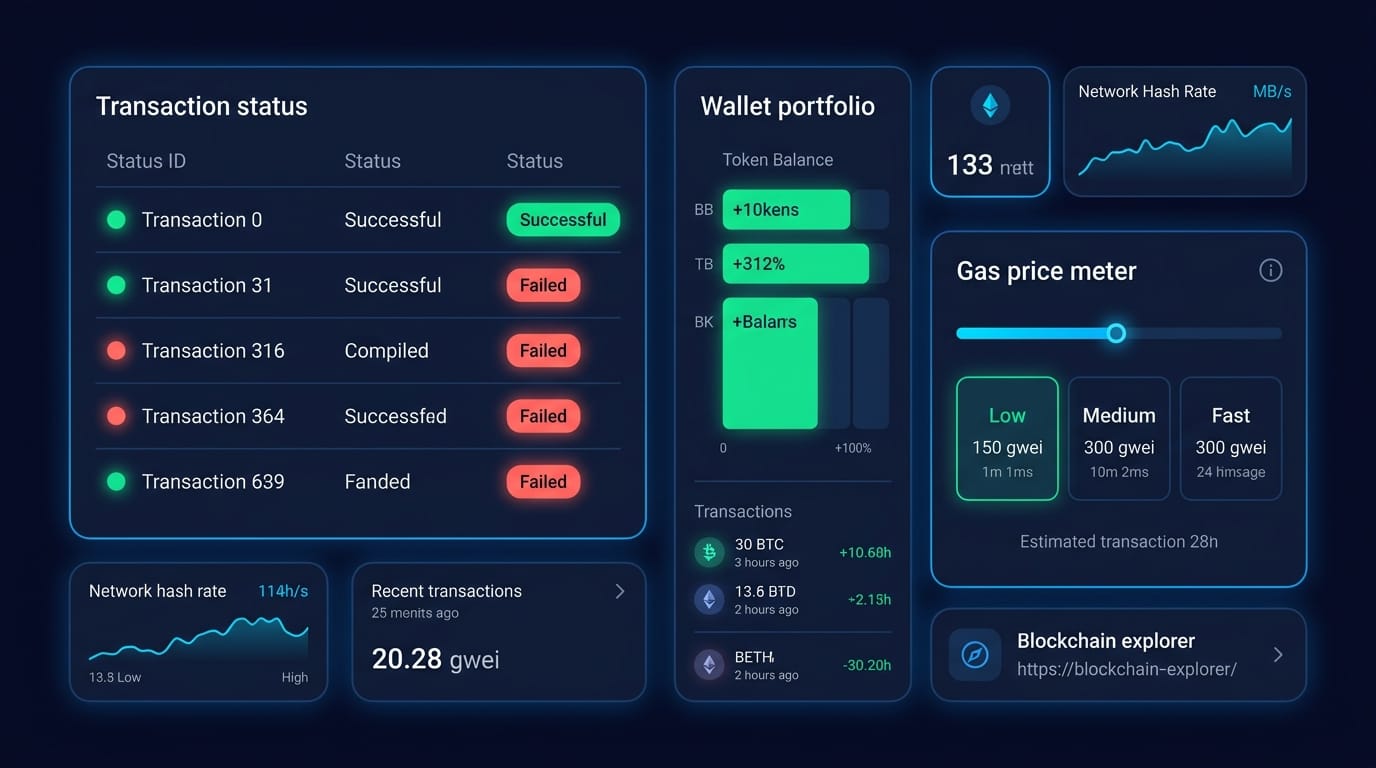
Getting started with PolygonScan takes under two minutes. Here are the five actions you'll use most frequently:
- Look up a wallet address
Go to polygonscan.com and paste any Polygon wallet address into the search bar. You'll immediately see the wallet's MATIC balance, USD value, token holdings, and complete transaction history across all token standards. - Track a transaction by hash
Paste the transaction hash (the 66-character string starting with "0x" from your wallet or exchange confirmation) into the search bar. The transaction page shows status (Pending / Success / Fail), gas details, sender, recipient, and block confirmation. - Check token balances and holdings
On any address page, the Token dropdown shows the full list of ERC-20 tokens held, with current balances and USD values. Click any token to see its individual transfer history for that address. - Find and read a smart contract
Enter a contract address in the search bar, then navigate to the Contract tab. If verified, you'll see the full source code. Click Read Contract to query its current state without paying gas. - Check current gas prices
Navigate to More → Gas Tracker in the top menu. The tracker shows slow, standard, and fast gas prices in Gwei, updated in real time, so you can time your transactions accordingly.
Pro Tip: If you're regularly active on Polygon, creating a free PolygonScan account unlocks watchlists, address labels, and private transaction notes - covered in the next section.
PolygonScan Account Features: Watchlists, Notes, and Tags
PolygonScan's base features require no account. But free registration adds a layer of personalization that turns the explorer into a genuine portfolio management tool.
Watchlist is the standout feature for active users. Subscribe to any address - your own wallets, a protocol's treasury, a whale address you're monitoring - and get email alerts for incoming transactions, outgoing transactions, or both.
Private Name Tags function as an on-chain address book. Instead of remembering which 0x address corresponds to which exchange or protocol, you assign readable labels that appear across the PolygonScan interface.
Transaction Private Notes let you annotate any transaction - useful for accounting, tax preparation, or simply remembering why you made a particular swap three months ago. Notes are private and only visible when logged in.
Once registered, PolygonScan becomes a personalized on-chain dashboard rather than just a lookup tool. For anyone running active DeFi positions or monitoring multiple wallets, the account features are worth the 60-second setup.
NFT Tracking on PolygonScan
Polygon has become one of the most active chains for NFT activity, and PolygonScan gives you full visibility into that trading ecosystem. The dedicated Top ERC-721 Tokens page ranks the most active NFT collections by transfer volume, total supply, and holder count.
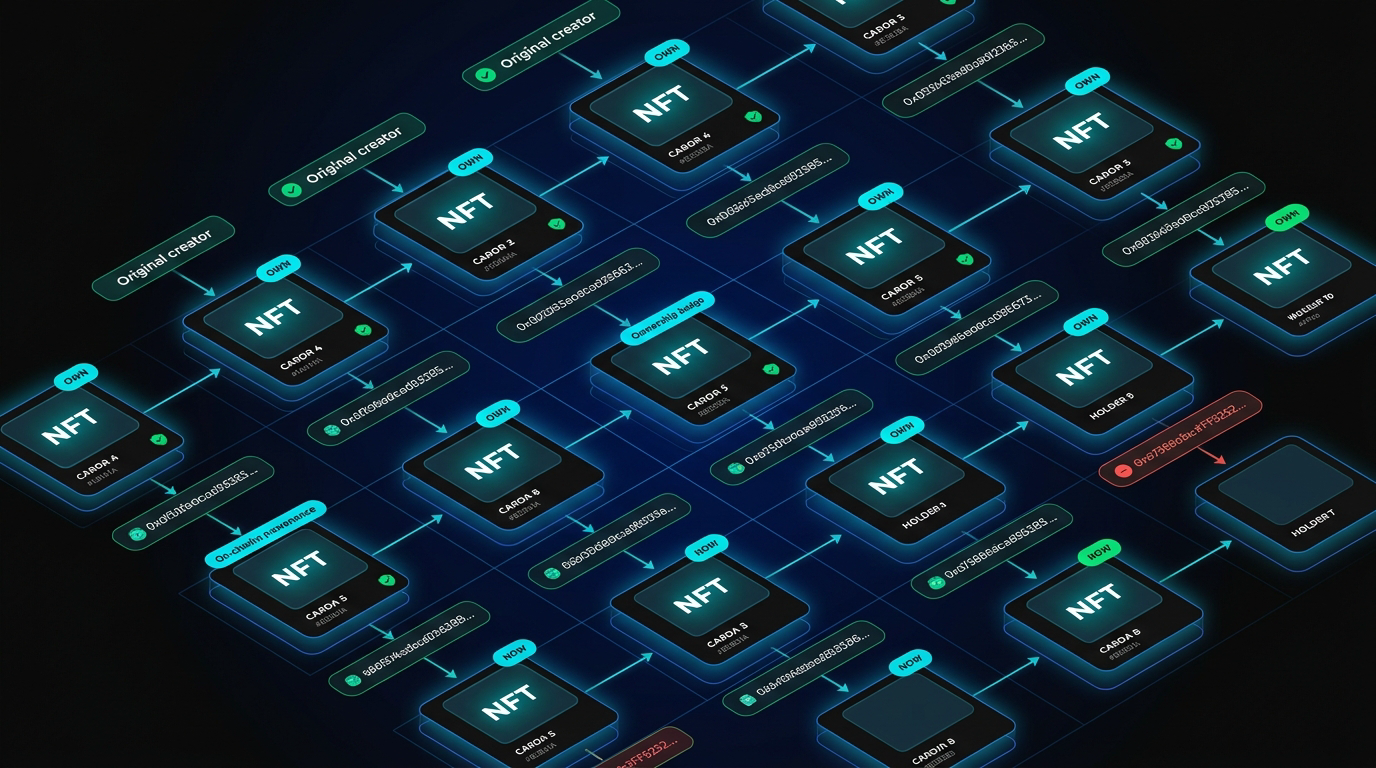
For any specific NFT collection, click through to see individual token IDs, ownership history, and transfer records. Each NFT page displays:
- Current Owner - the wallet address holding the token
- Creator/Minter - the original minting address
- Mint Date - when the token was first created
- Transfer History - every wallet this NFT has passed through
- Metadata - trait attributes and associated media
PolygonScan also supports ERC-1155 - the multi-token standard that handles both fungible and non-fungible tokens in a single contract, commonly used in gaming applications and platforms with mixed token economies.
Before purchasing an NFT on Polygon, checking its contract on PolygonScan is straightforward due diligence. Verify the contract is verified (unverified NFT contracts are a significant red flag), confirm the ownership history looks legitimate, and cross-reference the minting address with the project's official communications. For a broader overview of how NFT marketplaces work and what to look for before buying, that guide pairs well with PolygonScan's on-chain verification tools.
Connect this habit to smart contract verification: every NFT is ultimately governed by its underlying contract. A verified contract for an NFT collection gives you direct visibility into how transfers, royalties, and access controls actually work - not just what the project claims.
Common Use Cases and Who Uses PolygonScan
PolygonScan isn't a single-audience tool. Different types of Polygon users interact with it in very different ways - and understanding which use cases apply to you helps you get the most out of it.
For DeFi users, the combination of wallet monitoring and contract verification is the primary workflow. Before interacting with any protocol on Polygon, checking that its contracts are verified and reviewing recent transaction activity takes under two minutes and adds meaningful protection against interacting with unaudited code.
Developers get the most from PolygonScan's contract tools - deploying verified contracts, using the Read/Write interface to test interactions, and monitoring transaction logs during dApp development. The PolygonScan API also enables programmatic access to on-chain data for building analytics dashboards or monitoring tools.
No matter which category you fall into, PolygonScan operates on the same principle: on-chain data is public, permanent, and verifiable. The explorer's job is to make that data readable.
Conclusion
PolygonScan puts the full history of the Polygon blockchain at your fingertips - and it's completely free.
Whether you're tracking a MATIC transfer, verifying a DeFi protocol's contract before depositing funds, confirming NFT ownership history, or analyzing gas costs across your transactions, the tool provides the data you need without requiring trust in any third party. Every number you see is derived directly from on-chain state.
Recommendations by user type:
- Beginners: Start simple - paste your wallet address into the search bar and spend five minutes reading your own transaction history. Understanding what you're seeing on PolygonScan is foundational to operating safely on Polygon.
- DeFi Users: Make contract verification a habit. Before interacting with any new protocol, check its contract address on PolygonScan. Verified source code is a baseline requirement, not a bonus.
- Developers: Take advantage of the Read/Write Contract interface for testing, and submit verified source code for any contract you deploy. Unverified contracts signal either negligence or intent to obscure.
- NFT Collectors: Use the ERC-721 tracking pages to verify provenance before purchasing. An NFT with a suspicious transfer history or an unverified contract deserves scrutiny.
The broader shift in crypto is toward self-custody, transparency, and on-chain verifiability - platforms like Zipmex are built around exactly these principles, where every trade, game outcome, and yield position is provably verifiable on-chain. PolygonScan is the tool that makes that verification accessible to everyone.
Last updated: March 2026.
⚠ Risk Disclaimer
- Crypto trading and DeFi activity → involve substantial risk of loss
- Nothing in this article → constitutes financial advice
- Smart contract interaction → always conduct your own research before interacting with any protocol
Frequently Asked Questions
What is PolygonScan?
PolygonScan is the official block explorer for the Polygon blockchain - a free, publicly accessible platform that indexes every transaction, wallet address, smart contract, token transfer, and block on the Polygon network. Think of it as a real-time search engine for anything that happens on-chain at Polygon. Built in close collaboration between the Etherscan team and Polygon, it uses the same proven infrastructure as Ethereum's primary explorer. No account or registration is required to access core features.
What is the difference between PolygonScan and Etherscan?
Both PolygonScan and Etherscan are block explorers built by the same team using the same technology, but they operate on entirely different blockchains. Etherscan indexes Ethereum and uses ETH for gas. PolygonScan indexes Polygon and uses MATIC. You cannot look up a Polygon transaction on Etherscan - the two chains have completely separate transaction histories, even though the same wallet address format (0x...) is used on both. The interfaces are nearly identical, so switching between them requires minimal adjustment. The practical rule: if you're on Polygon, use PolygonScan; for Ethereum, use Etherscan.
How do I track a Polygon transaction on PolygonScan?
Go to polygonscan.com and paste your transaction hash - the 66-character string starting with "0x" - into the search bar and press Enter. The transaction page will show its current status (Pending, Success, or Fail), the sending and receiving addresses, the value transferred, gas fees, the block it was included in, and the timestamp of confirmation. If your transaction was processed by an exchange or DeFi protocol, they typically provide the hash directly. If not, check the transaction history in your self-custody wallet - it should list the hash for every action you've taken.
What does "transaction pending" mean on PolygonScan?
A "Pending" status means your transaction has been broadcast to the Polygon network and is in the mempool but hasn't yet been included in a confirmed block. On Polygon, the average block time is approximately 2 seconds, so pending transactions usually resolve quickly under normal network conditions. If a transaction stays pending unusually long, it may be due to a gas price set too low relative to current network demand. Some wallets allow you to speed up or cancel a pending transaction by resubmitting with a higher gas price.
How do I verify a smart contract on PolygonScan?
Contract verification is done by the developer when deploying - they submit original Solidity source code to PolygonScan, which compiles it and confirms it matches the deployed bytecode. As a user, you check whether a contract is already verified by opening the contract's address on PolygonScan and clicking the Contract tab. A green checkmark and visible source code confirm verification. If only bytecode appears with no source, the contract is unverified - a yellow flag in DeFi that warrants additional caution before interacting with the protocol.
Do I need an account to use PolygonScan?
No - all core PolygonScan features are accessible without registration: transaction lookups, wallet address searches, contract reading, gas tracking, and NFT browsing. A free optional account unlocks additional personalization: a Watchlist for address activity email notifications, Private Transaction Notes, Private Name Tags for labeling addresses, and a Token Ignore List for hiding dust tokens. These are quality-of-life upgrades for power users, but the core explorer functionality is fully open. Registration takes roughly 60 seconds and requires only an email address.
Can I use PolygonScan to track NFTs on Polygon?
Yes. Navigate to Tokens → Top ERC-721 Tokens to browse the most active NFT collections, or search any NFT contract address directly. Each NFT page shows current owner, minting address, mint date, full transfer history, and metadata. PolygonScan also supports ERC-1155 tokens - the multi-token standard common in on-chain gaming. For individual wallets, the ERC-721 Token Txns tab shows every NFT that address has sent or received. Checking a collection's contract verification status on PolygonScan is a recommended step before any significant NFT purchase on Polygon.