A Bitcoin node is software that downloads every block, checks it against Bitcoin's consensus rules and passes on only what is valid. It does not mine and earns no block rewards. A full archival node needs several hundred gigabytes of disk. Coin Bureau put the chain at about 756GB on July 25, 2026, not counting database indexes. A pruned node runs the same checks but deletes old block files. Bitcoin Core's download page says that brings the total down to "as little as 10GB total without sacrificing any security." The current release is Bitcoin Core 31.1, published July 8, 2026.

What a node checks
The Bitcoin developer guide calls the shared validation rules "consensus rules" and says that "all full nodes validate blocks using the same consensus rules." In practice, a node checks that:
- Proof of work is met. A block's header hash must not be higher than the current difficulty target.
- Blocks link up. Each block stores the hash of the previous block's header, so the node can rebuild one chain from the genesis block.
- Coins are real and unspent. A transaction may only spend unspent transaction outputs (UTXOs), and each output can be spent only once.
- Blocks follow the rules before they are relayed. Bitcoin.org describes a full node as "a program that fully validates transactions and blocks". Most full nodes also relay blocks and transactions to peers.
The assumevalid shortcut
By default, Bitcoin Core does not check signatures in blocks older than a hardcoded "assumed valid" block during the first sync. It still checks signatures in every later block. The feature shipped in Bitcoin Core 0.14.0 (March 2017). To check every historical signature yourself, start the node with -assumevalid=0. That makes the first sync slower.
Node versus miner
A node checks blocks and a miner produces them. Running Bitcoin Core does not make your computer a miner. A separate explainer covers how bitcoin mining works.
How much disk and bandwidth it needs
Published size figures don't agree, and most of them are undated:
| Source | Figure | Dated? |
|---|---|---|
| Coin Bureau guide | ~756GB chain, excluding database indexes | July 25, 2026 |
| bitcoin.org full-node page | "roughly 740 gigabytes" for the first download | Undated |
| bitcoincore.org download page | "about 600GB" one-time download, plus 5–10GB per month | Undated |
| bitcoincore.org download page | Pruned: "as little as 10GB total" | Undated |
The 756GB figure is the only dated one. It also leaves out indexes, so treat it as a lower bound for an archival node, not as the space you need.
Bitcoin.org lists these minimums: 7GB of free disk at a read/write speed of at least 100 MB/s (with pruning), 2GB of RAM, upload speed of at least 400 kilobits per second, and at least 6 hours a day of uptime. It puts download use at around 20GB a month. It adds that nodes on fast connections commonly upload 200GB or more a month.
Coin Bureau's hardware advice is more generous. It says 4GB of RAM runs Bitcoin Core on its own, 8GB leaves more room, and an SSD is "strongly recommended" over a hard disk for the first sync.
Pruned or archival: which setup fits
Coin Bureau recommends a pruned Bitcoin Core node on an existing computer or a dedicated mini PC for most personal users.
How pruning works
- A pruned node still downloads and checks every block. It then deletes older raw block data down to a target size.
- The smallest prune target is 550 MiB, and
prune=0turns pruning off (bitcoin.org). Coin Bureau notes that 550 MiB keeps very little recent block history and suggests 20GB to 100GB as a more practical target. - Pruned mode does not work with
-txindexor-rescan(bitcoin.org). If you need a full transaction index, or want to rescan old history for a wallet you import later, you need an archival node.
When archival makes sense
An archival node keeps every block, so it can serve old blocks to peers and support optional indexes. Coin Bureau calls a 1TB drive "a cramped archival choice" and suggests at least 2TB for archival or multi-service nodes.
Which node route fits your drive?
Do you want to keep the whole chain on disk, and can your drive hold it?
Do you want to keep the whole chain on disk?
- Yes → next question
- No, a smaller disk is fine → Pruned node
Is your drive at least about 756GB?
Source: How to Run a Bitcoin Node in 2026: Full Setup Guide (coinbureau.com), accessed Oct 19, 2026
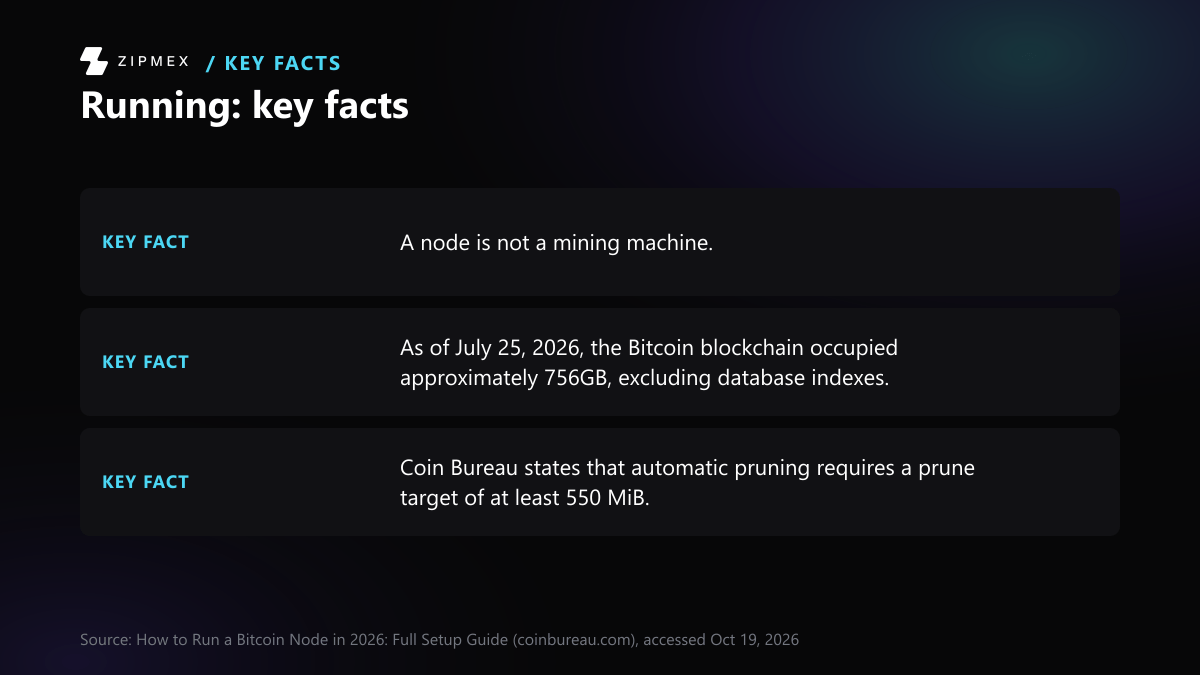
Coin Bureau recommends a pruned node for most personal users. It still verifies every block, and automatic pruning requires a prune target of at least 550 MiB.
Source: How to Run a Bitcoin Node in 2026: Full Setup Guide (coinbureau.com), accessed Oct 19, 2026A drive of at least 756GB matches the chain size Coin Bureau gives for July 25, 2026. That figure excludes database indexes, so a drive this size does not by itself show that the node fits.
Source: How to Run a Bitcoin Node in 2026: Full Setup Guide (coinbureau.com), accessed Oct 19, 2026The whole chain was about 756GB on July 25, 2026, so a drive clearly under that size will not hold it. Use a larger drive, or choose a pruned node, which keeps less raw block data and still verifies every block.
Source: How to Run a Bitcoin Node in 2026: Full Setup Guide (coinbureau.com), accessed Oct 19, 2026The 756GB figure is Coin Bureau's, dated July 25, 2026, and excludes database indexes; the 10GB figure comes from an undated Bitcoin Core page.
As of July 25, 2026, the Bitcoin blockchain occupied approximately 756GB, excluding database indexes.
Where Bitcoin Core keeps its data
These are the default data directories, according to Bitcoin Core's doc/files.md:
- Linux:
$HOME/.bitcoin/ - macOS:
$HOME/Library/Application Support/Bitcoin/ - Windows:
%LOCALAPPDATA%\Bitcoin\
-datadir sets a different data directory. -blocksdir moves the block files somewhere else, for example to a larger drive, but blocks/index/ stays in the data directory. Everything in the data directory except bitcoin.conf belongs to one chain. Testnet, signet and regtest data go into their own subfolders.
What the main files hold
| Path | Contents |
|---|---|
blocks/blkNNNNN.dat | Raw blocks in network format, 128 MiB per file |
blocks/revNNNNN.dat | Undo data used to reverse blocks during a reorganisation |
blocks/index/ | LevelDB index of known blocks |
chainstate/ | LevelDB database of the current UTXO set |
indexes/ | Optional indexes such as txindex/ and blockfilter/basic/ |
wallets/ | Wallet files |
bitcoin.conf | Your configuration file; Bitcoin Core never writes to it |
debug.log | Log output |
peers.dat, banlist.json | Known peer addresses and banned addresses |
mempool.dat | Saved copy of the mempool |
chainstate/ is the database a node uses to check whether a new transaction spends coins that exist. The raw block files are what pruning deletes.
Two warnings from the documentation
- Wallet files.
wallet.datfiles "must not be shared across different node instances", because that can lead to key reuse and double-spends. Make copies or backups with thebackupwalletcall, which locks the wallet first so it isn't changed during the copy. - exFAT on macOS. Don't put the data directory or blocks directory on an exFAT drive. The documentation links that filesystem to database corruption and data loss.
Setting it up safely
Verify the download
The Bitcoin Core download page calls verification "optional but highly recommended". It protects against "an unexpected or tampered version of Bitcoin, which may result in loss of funds." The SHA256 hash of your file must match an entry in SHA256SUMS. You then check the PGP signatures in SHA256SUMS.asc against signing keys you trust.
Check your operating system
The Bitcoin Core 31.1 release notes list Linux kernel 3.17, macOS 14 and Windows 10 (version 1903) or newer as supported and tested. They say running it on unsupported systems is not recommended.
Upgrading
Shut down the old version and wait until it has fully stopped, which can take a few minutes. Then install the new version.
Does the node have to stay on?
No. Coin Bureau says the machine "does not need to stay online continuously". After a restart, Bitcoin Core downloads the blocks it missed. Bitcoin.org's suggested minimum is 6 hours a day. Longer uptime helps peers and keeps a connected wallet current, but it doesn't change whether your node checks the chain correctly.
Until the first sync finishes, new payments to your wallet may not show in your balance (bitcoin.org). After that, you can point your own wallet at your node instead of at public servers. Separate explainers cover non-custodial wallets, paper wallets and how to send bitcoin.
Limitations: size and bandwidth figures come from undated project pages and one dated third-party guide. Check current numbers and the latest release on bitcoincore.org before you buy hardware.