Keeping your crypto secure is no longer optional - it's the difference between controlling your assets and losing them permanently. Exchange collapses, protocol exploits, and sophisticated phishing attacks have cost crypto holders billions over the years, and the pattern keeps repeating. A hardware wallet is the single most effective tool for protecting your digital assets through genuine self-custody.
This guide explains exactly what a hardware wallet is, how it works under the hood, how to set one up, and whether you actually need one.
⚡ Key Takeaways
- A hardware wallet is a physical device that stores your private keys offline, out of reach of hackers
- It does not hold your coins - it holds the cryptographic keys that prove ownership of those coins on the blockchain
- Cold wallets (offline) are fundamentally more secure than hot wallets (online)
- "Not your keys, not your crypto" - if you don't control the private keys, you don't fully control your funds
- Hardware wallets are recommended for anyone holding crypto they wouldn't want to lose overnight
What Is a Hardware Wallet?
A hardware wallet is a small physical device - usually shaped like a USB stick or key fob - that stores your cryptocurrency private keys in offline, or "cold," storage. When people talk about cold wallets or cold storage, they're almost always referring to hardware wallets.
The critical distinction: a hardware wallet doesn't hold your actual coins. Cryptocurrency exists as data on a blockchain. What the wallet stores is the private key - the cryptographic proof that you own specific coins at a specific blockchain address. Whoever controls the private key controls the funds. That's the entire security logic in one sentence.
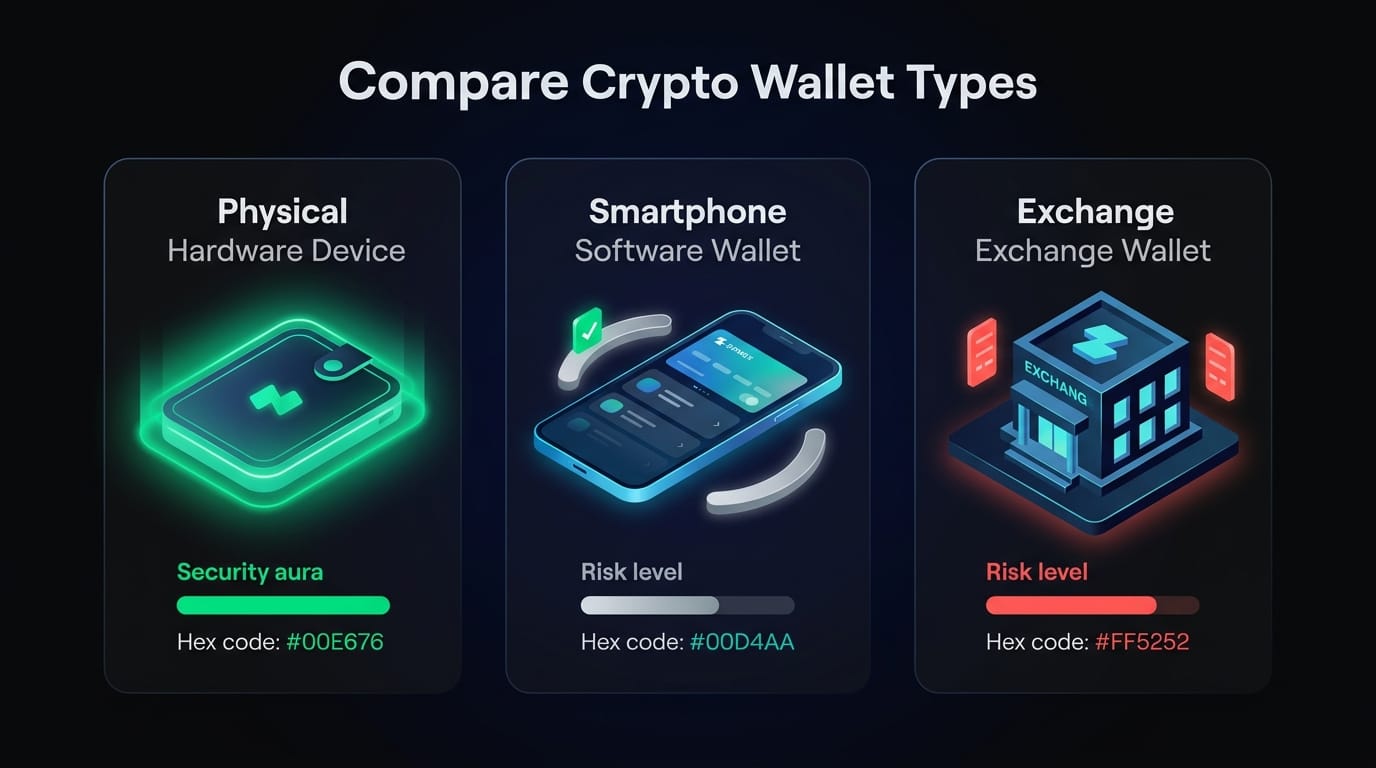
Here's how hardware wallets compare to the two alternatives most crypto users encounter:
If that exchange gets hacked, freezes withdrawals, or goes insolvent, users with custodial wallets have no recourse beyond hoping for recovery. Hardware wallet holders are entirely unaffected - their keys never touched the exchange in the first place.
How Does a Hardware Wallet Work?
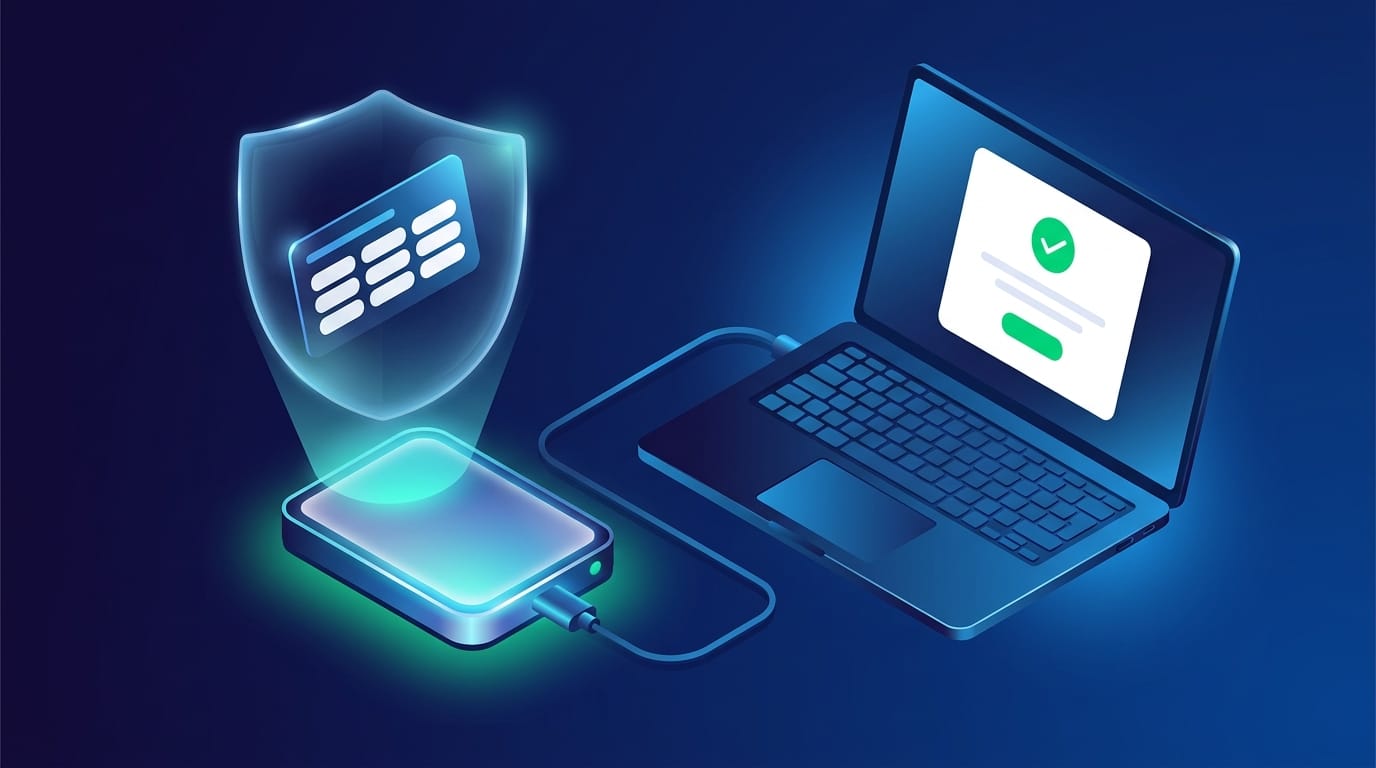
The transaction signing process is where hardware wallets earn their reputation. Here's what actually happens when you move funds:
- Initiate the transaction on a connected computer or phone using the wallet's companion app
- Unsigned transaction data is sent from the computer to the hardware wallet via a software process called a crypto bridge
- The hardware wallet signs the transaction internally using your stored private key - this entire operation happens inside the device
- Signed transaction data is sent back through the crypto bridge
- The blockchain network receives the broadcast and confirms the transaction
The critical security property: at no point in this process do your private keys leave the hardware device. The keys never touch your internet-connected computer. A hacker who fully compromises your PC can intercept transaction data, but they cannot extract the private key from a properly functioning hardware wallet.
The security chip type inside the device matters here. Leading hardware wallets use one of three chip types:
- Secure Element (SE) chips - the same technology used in bank cards and passports; highest physical tamper resistance
- Microcontroller (MCU) chips - capable and cost-effective, but more susceptible to physical extraction attacks
- Safe Memory chips - a middle-ground approach used by some manufacturers
SE chips represent the current security standard for high-value storage. When evaluating a device, this is worth checking in the product specs.
What Are the Different Types of Hardware Wallets?
Cryptocurrency wallets come in a few distinct hardware form factors, each suited to different use patterns:
Most users start with a USB device from one of the established manufacturers - brands like Ledger, Trezor, Coldcard, or Foundation Passport dominate the market. Every major hardware wallet supports multiple blockchains simultaneously, so managing Bitcoin, Ethereum, Solana, and dozens of other assets from a single device is standard.
How to Set Up and Use a Hardware Wallet (Step-by-Step)
Setting up a hardware wallet is straightforward, but the setup stage is also where most mistakes happen. Follow this process carefully - errors here can result in permanent fund loss. For a broader overview of keeping crypto safe, see our guide on how to store and access crypto assets safely.
Step 1: Verify the packaging integrity
Before powering on the device, check that tamper-evident seals are intact and packaging shows no signs of opening or resealing. Never use a device with broken seals - return it directly.
Step 2: Initialize the device and create a PIN
On first boot, the device will prompt you to set a PIN (typically 4-8 digits). This is your access code for daily use. Choose something memorable but not obvious - sequential numbers or repeating digits are weak choices.
Step 3: Generate and record your seed phrase
The device generates a recovery seed phrase - typically 12 or 24 random words. Write these down on paper or a metal backup plate, in the exact order displayed. This is the most important step in the entire process.
⚠ Critical Rule: Seed Phrase Security
- Never photograph → screenshot or photo = digital copy = accessible to hackers
- Never store digitally → notes app, email, or cloud storage are all exposed
- Never enter on a website → any site asking for your seed phrase is a scam
- Never share with anyone → your seed phrase = complete wallet access from anywhere
Step 4: Confirm the seed phrase
Most devices ask you to re-enter several words from the phrase to confirm you recorded it correctly. This is a verification step, not a security check - don't skip it.
Step 5: Install the companion software
Download the wallet's official desktop or mobile app (only from the manufacturer's official website). This app provides the interface for managing assets, initiating transactions, and updating firmware.
Step 6: Transfer your first funds
Generate a receive address inside the companion app, verify it matches on the device screen, and transfer a small test amount first. Once confirmed, transfer the remainder of your holdings.
The one-time setup takes roughly 20-30 minutes. After that, day-to-day use is straightforward: connect the device, enter your PIN, authorize transactions directly on the device's screen.
Hardware Wallet vs. Software Wallet vs. Exchange Wallet: Key Differences
Not all crypto storage carries equal risk - and the gap between options is larger than most beginners expect.
Understanding the three-way distinction is essential before deciding where to hold significant assets. The comparison table in Part 1 gives the overview; here's the editorial reality behind it.
Hardware wallets give you full self-custody with the strongest available security. The trade-off is cost ($50-$250) and a slight friction increase for each transaction. For anyone holding crypto they'd be genuinely upset to lose, this is the correct choice.
Software wallets (MetaMask, Trust Wallet, Phantom, and similar) are free, fast, and convenient. Private keys are stored on your device, not on a server - so technically you have custody. The weakness: your device is internet-connected. Malware, clipboard hijackers, and phishing attacks all operate on the same machine where your keys live.
Exchange wallets are custodial, meaning the exchange holds the keys on your behalf. This is acceptable for active trading - you need rapid access to liquidity. But it's poor practice for storage. Exchanges are high-value targets, and even well-capitalized ones can face withdrawal freezes or operational failures.
The practical approach for most intermediate-level holders: use a hardware wallet for cold storage (anything you're not actively trading), and a software wallet or exchange account for a small operational allocation you're comfortable with.
Free vs. Paid vs. Open-Source Hardware Wallet Models
Hardware wallets aren't one-size-fits-all - the market covers a genuine price spectrum with meaningful differences at each tier:
Open-source firmware means the device's code is publicly auditable - anyone can inspect it for vulnerabilities. This is a significant trust advantage. Proprietary firmware is easier to use and comes with polished companion apps, but you're trusting the manufacturer's internal security review rather than the broader community's scrutiny.
A hardware wallet is a one-time cost that provides ongoing protection for potentially significant holdings. At $100-$150, the security-to-cost ratio is difficult to argue against.
Hardware Wallet Security: Best Practices and Risks to Avoid
Owning a hardware wallet doesn't automatically make your crypto secure. The device is the strongest link in your security chain - but the seed phrase is the weakest, and that part is entirely up to you. Our full guide on Bitcoin wallets covers additional storage options in depth.
⚠ 5 Hardware Wallet Security Rules You Must Follow
- Store your seed phrase offline → physically secure location, never digitally
- Consider a metal backup plate → steel or titanium protects against fire and water damage
- Keep a second backup copy → in a separate secure location
- Update firmware only via official app → never from third-party prompts or emails
- Purchase direct from manufacturer → never from third-party marketplaces
The seed phrase is the single biggest vulnerability in most people's setups. If someone has your hardware wallet but not your PIN and seed phrase, they can't access your funds. But if they have just your seed phrase - even without the physical device - they can restore your wallet to a new device and drain everything instantly. Treat the seed phrase with the same seriousness as a bank vault combination.
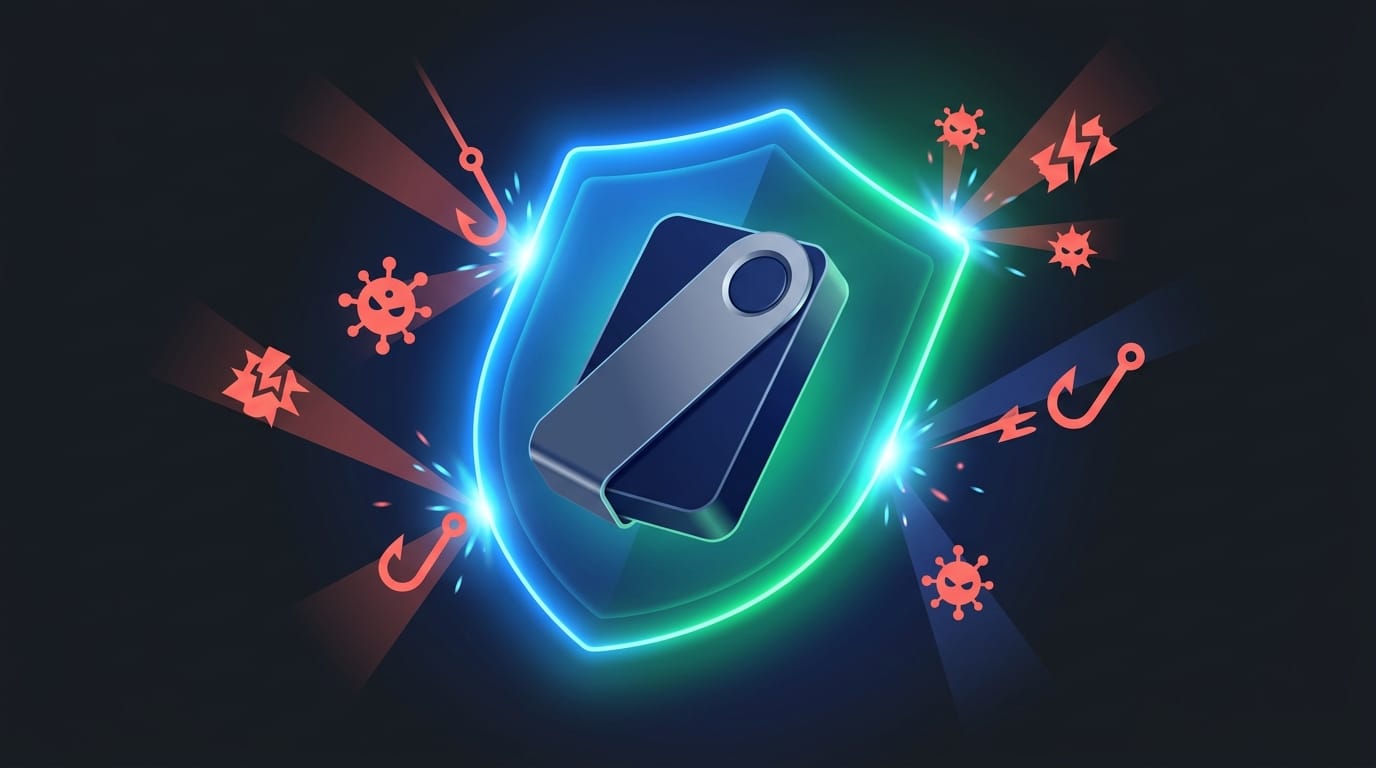
Supply chain attacks are a real threat in this space. A device purchased from an unauthorized reseller on Amazon or eBay may have been tampered with before shipping. Malicious actors can pre-load modified firmware or note the device's initialization data. Always buy direct from the manufacturer.
Firmware updates are important but need to be handled correctly. The update prompt should only ever appear inside the official companion application. If you receive an email, pop-up, or third-party notification asking you to update your wallet, that's a phishing attempt.
Red Flags: How to Spot a Compromised or Fake Hardware Wallet
The hardware wallet market has attracted scammers who either sell counterfeit devices or intercept legitimate ones. Knowing the warning signs is not optional.
The single most definitive warning sign: a legitimate hardware wallet will never come with a pre-filled seed phrase. If words are already written on a card inside the box, the device is compromised. Return it immediately without using it.
How to Choose the Right Hardware Wallet for You
With several established manufacturers and a growing field of newcomers, picking the right device comes down to a structured evaluation rather than brand recognition.
⚡ Hardware Wallet Evaluation Checklist
- Security chip type - does it use a Secure Element (SE) chip?
- Supported cryptocurrencies - does it cover all assets you hold or plan to hold?
- Connectivity - USB only, or Bluetooth for mobile users?
- Companion app quality - clean UI, staking/DeFi integration, regular updates?
- Firmware transparency - open-source or proprietary?
- Price relative to your holdings - a $150 device for $500 in crypto is proportionate; for $50,000, it's obvious
- Manufacturer track record - how long have they been operating, and have they handled security disclosures transparently?
The security chip question matters most for high-value storage. A Secure Element chip is the same technology used in government ID cards, SIM cards, and banking hardware - it's specifically designed to resist both software and physical extraction attacks.
Multi-chain support is non-negotiable for most DeFi-active users. Bitcoin-only devices exist and are excellent for specific use cases, but if you're interacting with Ethereum, Solana, Cosmos, or any Layer 2 networks, verify the device supports those chains before purchasing.
For mobile-first users, a device with a companion mobile app and Bluetooth or NFC connectivity removes a significant friction point - you can authorize transactions from your phone without needing a laptop.
Alternatives to Hardware Wallets: When Is One NOT the Right Choice?
Hardware wallets are the gold standard for long-term cold storage, but they're not always the optimal tool for every situation.
Active traders who execute multiple transactions daily need exchange access and fast execution. A hardware wallet adds friction that's genuinely counterproductive for high-frequency activity. The practical solution: hold trading capital on an exchange, and transfer profits to cold storage regularly.
Very small holdings - say, under $200 - may not justify the upfront cost of a hardware wallet. A reputable software wallet with a properly secured seed phrase is acceptable at this scale. As holdings grow, the calculus changes quickly.
The alternatives by use case:
- Software wallets (MetaMask, Trust Wallet, Phantom) - free, convenient, self-custodial but internet-exposed. Good for DeFi interaction and everyday spending
- Paper wallets - free, completely offline, but fragile (fire, water, physical damage risk), error-prone to generate, and difficult to use without re-exposing the key
- Multi-signature wallets - require multiple independent key approvals to authorize a transaction. Institutional-grade security, complex to set up, overkill for most individuals
- Custodial exchange wallets - convenient, zero setup, but you surrender custody entirely
The tiered approach that most experienced DeFi users land on: hardware wallet for the majority of long-term holdings, a software hot wallet with a small operational allocation for active use. The exact split depends on your trading frequency and risk tolerance. For those interested in growing holdings while they're in cold storage, our guide on staking explains how that can work alongside a hardware wallet strategy.
On-chain platforms built around trustless, self-custodial design - where users always maintain control of their keys rather than depositing funds to a centralized entity - are a natural complement to hardware wallet security practices. This design philosophy, prioritizing verifiable ownership over convenience-driven custody, is increasingly the standard that serious crypto infrastructure builders follow.
Conclusion: Is a Hardware Wallet Worth It?
For any crypto holder with meaningful assets, the answer is unambiguously yes. The math is straightforward: a $100-$150 hardware wallet provides ongoing protection for holdings that typically dwarf that cost many times over.
The core principle doesn't change across any of these profiles: whoever controls the private keys controls the assets. A hardware wallet is the most reliable way for individuals to maintain that control without relying on a third party's security posture, solvency, or continued operation.
Buy directly from the manufacturer's official website. Record your seed phrase on paper or metal - never digitally. Verify firmware updates only through official channels. These three rules, consistently followed, make a hardware wallet one of the most effective security tools available to individual crypto holders.
Last updated: March 2026.
⚠ Risk Disclaimer
Cryptocurrency trading and storage involve substantial risk of loss. Hardware wallets significantly reduce the risk of online theft but do not eliminate all risks, including physical theft, seed phrase loss, or user error. Always verify addresses, keep seed phrases secure, and never invest more than you can afford to lose.
Frequently Asked Questions
What is a hardware wallet in simple terms?
A hardware wallet is a small physical device - similar in size to a USB thumb drive - that stores your cryptocurrency private keys offline. It doesn't hold your actual coins; those live on the blockchain. What it holds is the cryptographic proof of ownership. By keeping that proof offline, it removes the main attack vector hackers rely on: internet connectivity. Think of it as a portable offline safe for the keys to your crypto holdings.
What is the difference between a hardware wallet and a software wallet?
The fundamental difference is where private keys live. A software wallet stores keys on your internet-connected device - your phone or computer. A hardware wallet stores keys on a dedicated offline device that only connects to the internet briefly when you authorize a transaction. Software wallets are free and convenient but exposed to online threats. Hardware wallets require a one-time purchase but keep your keys isolated from the attack surface that online devices represent.
What happens if I lose my hardware wallet?
Losing the physical device doesn't mean losing your funds - as long as you have your seed phrase. The seed phrase (typically 12 or 24 words generated during setup) is a complete backup of your private keys. Enter it into any compatible wallet device or software wallet and your funds become fully accessible again. This is why seed phrase security matters more than the device itself. If you lose both the device and the seed phrase, access to those funds is permanently gone.
Can a hardware wallet be hacked?
A properly functioning hardware wallet is effectively immune to remote attacks because the private keys never touch an internet-connected system. Physical attacks on the device are theoretically possible - particularly against devices with MCU chips rather than Secure Element chips - but they require specialized equipment and direct access. The more realistic threat vectors are: compromised companion software, phishing attacks targeting seed phrase entry, and supply chain tampering on non-manufacturer-sourced devices. Following basic security practices eliminates most of these risks.
What is a seed phrase and why is it important?
A seed phrase (also called a recovery phrase) is a sequence of 12 or 24 random words generated by your hardware wallet during initialization. It is a human-readable encoding of your master private key - mathematically equivalent to the key itself. It restores complete access to all wallets associated with your device on any compatible hardware. Because it grants full access, it must be treated with the same care as the funds it protects. Anyone who has your seed phrase can access your crypto from any location.
Are hardware wallets safe to buy from Amazon or eBay?
No - this carries genuine risk. Third-party marketplace listings expose buyers to supply chain attacks: a seller may have opened the device, tampered with the hardware or firmware, recorded the seed phrase, and repackaged it. A compromised device may appear fully functional during setup while being designed to expose your keys later. Always purchase hardware wallets directly from the manufacturer's official website. The price difference doesn't justify the security risk - discounted listings on reseller platforms are a red flag by themselves.
What happens if the hardware wallet manufacturer goes out of business?
Your funds remain completely accessible. Hardware wallets generate wallets based on open cryptographic standards (primarily BIP-32, BIP-39, and BIP-44). If a manufacturer shuts down and their companion app becomes unavailable, you can restore your seed phrase into any compatible wallet - hardware or software - that supports the same standards. Your funds are not dependent on any single company's continued operation. The seed phrase is the universal backup that works across compatible hardware and software wallets regardless of manufacturer.