Trezor is a hardware wallet - a physical device that stores your cryptocurrency private keys completely offline, cutting off any possibility of remote theft. Built by SatoshiLabs and released in 2014, it holds the distinction of being the world's first hardware wallet ever made. If you've been wondering what Trezor is, what it actually does, and whether it's worth buying, this guide covers everything: how it works, which model to choose, how to set it up, and where it falls short.
⚡ Key Takeaways
- Trezor is the world's first cryptocurrency hardware wallet, launched in 2014
- Private keys are generated and stored entirely on the physical device - never online
- Three current models: Model One, Model T (touchscreen), and Safe 3 (with Secure Element chip)
- Firmware and hardware designs are fully open-source and community-audited
- Supports 1,000+ coins and tokens across 12+ Layer 1 blockchains
What Is a Hardware Wallet - and Why Does It Matter for Crypto Security?
A hardware wallet is a physical device that generates and stores your private keys offline, completely isolated from the internet. Private keys are the cryptographic strings that prove ownership of your crypto - whoever holds them controls the funds, full stop. Keeping those keys offline is the foundation of serious crypto security.
Most people start with a hot wallet: MetaMask, a Coinbase account, or any software wallet installed on a phone or browser. These are convenient, but they're permanently internet-connected, which means they're permanently exposed to phishing attacks, malware, and compromised devices. For a deeper look at how cryptocurrency wallets work, the Zipmex glossary covers the full spectrum from hosted to self-custodial options.
Hot Wallets vs Cold Wallets - The Key Difference
When you hold crypto on an exchange, you don't control the private keys - the exchange does. That's not a technicality; it's the entire threat model. If the exchange is hacked, goes insolvent, or freezes withdrawals, your ability to access your own funds depends entirely on their operations. The phrase "not your keys, not your coins" exists precisely because of this dynamic.
Self-custodial hot wallets like MetaMask solve the custody problem but still expose your keys to anything running on your device. Cold storage eliminates that attack vector entirely by keeping keys offline. This is precisely the problem Trezor was designed to solve from day one.
What Is Trezor - History, Mission, and the Company Behind It
Trezor is the world's first hardware crypto wallet, created by the Prague-based company SatoshiLabs. The word "Trezor" literally means "vault" in Czech - an apt name for a device whose entire purpose is to lock down access to your digital assets.
The project began in 2012 when Czech developers Marek "Slush" Palatinus and Pavol "Stick" Rusnak started building a prototype hardware wallet. At the time, the only options for storing cryptocurrency were exchanges and software wallets - both carrying significant security risks. They saw the gap and built something entirely new.
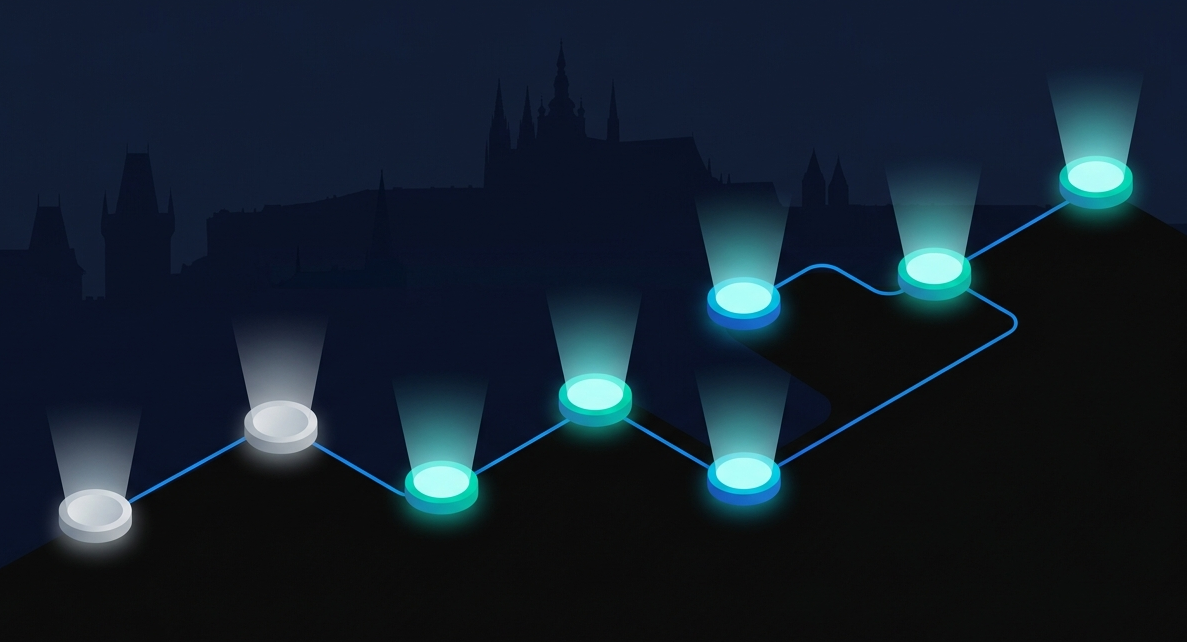
TREZOR & SATOSHILABS - MILESTONES
2012
Founders Palatinus and Rusnak begin building prototype hardware wallet
2013
SatoshiLabs formed; team expands with finance expert Alena Vranova
2014
Trezor One prototype unveiled at Bitcoin2014 - world's first hardware wallet
2016
First production units begin shipping worldwide
2018
Trezor Model T released with touchscreen, USB-C, and expanded coin support
2021
Trezor Suite replaces the legacy wallet interface
2022
Token support expanded to 1,000+ assets across 12+ blockchains
2023
Mobile support improvements; Safe 3 with Secure Element chip released
SatoshiLabs: The Team and Mission Behind Trezor
SatoshiLabs operates with a clear mission: provide accessible, decentralized security for anyone holding digital assets. What separates them from most hardware wallet makers is a genuine commitment to transparency - both the firmware running on Trezor devices and the underlying hardware designs are fully open-source and publicly available on GitHub.
That openness isn't just a marketing angle. The community is actively encouraged to audit the code, report vulnerabilities, and propose improvements. Every security researcher who finds a bug strengthens the device for every user. Closed-source alternatives can't make the same claim - you're trusting their word rather than verifiable code. That distinction matters if you're thinking seriously about long-term custody of high-value assets.
How Does the Trezor Hardware Wallet Work?
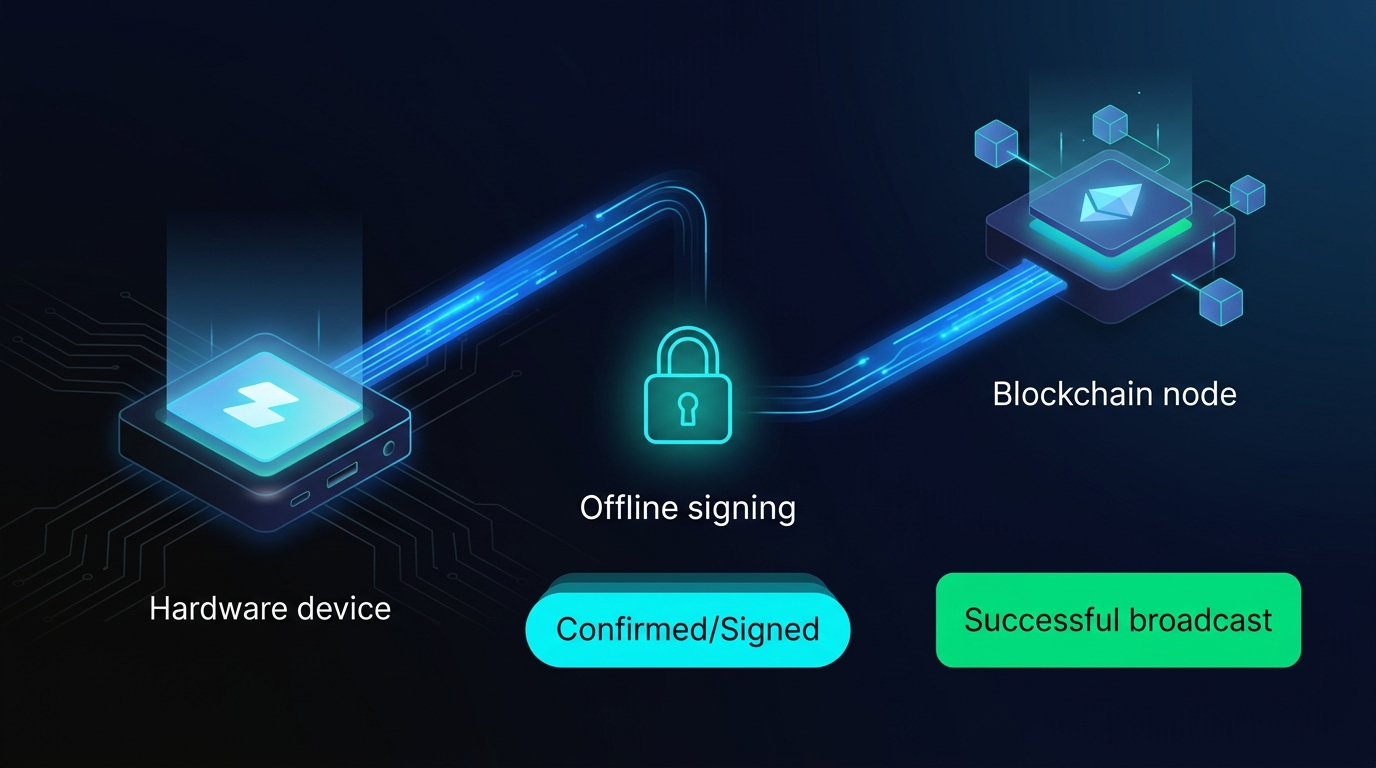
The core principle is simple: your private keys are generated on the device and never leave it. Not once. When you want to send crypto, the transaction request travels from your computer to the Trezor, gets signed offline inside the device, and only the signed result is transmitted - your keys stay put throughout the entire process.
Trezor uses a hierarchical deterministic (HD) wallet architecture - meaning it generates a fresh, unique address for every single transaction. Your transaction history becomes significantly harder to trace because no two sends come from the same address. A single seed phrase controls all of these addresses.
Trezor Bridge handles the communication layer. It's a lightweight software agent that allows your browser or software wallet to detect and talk to the physical device. Without it, the two can't connect.
Physical access is locked behind a PIN of up to 50 digits. The PIN entry interface uses a randomized position grid that changes with every session - so even if someone records your screen, the pattern they saw won't work next time.
The 24-Word Recovery Seed and Shamir Backup - Your Crypto Lifeline
Every Trezor generates a 24-word recovery seed during initial setup. These words, in order, are the cryptographic master key to your entire wallet. Lose the device and have the seed phrase? You can restore everything to a new Trezor. Lose the seed phrase? Your funds are gone permanently - no customer support can help, no recovery service exists.
⚠ Critical: Seed Phrase Security
- Never photograph your seed phrase → cloud backups are online, therefore hackable
- Never type it anywhere digital → password managers, notes apps, and email are all attack surfaces
- Write it on paper in order → store in a fireproof safe or secure physical location
- Losing both device and seed phrase → funds permanently inaccessible, no exceptions
SatoshiLabs developed an advanced backup method called Shamir Backup (SLIP39) that addresses the single-point-of-failure problem of a standard seed phrase. Instead of one phrase that must be kept intact, SLIP39 splits your backup into multiple "shares" - for example, 3 shares where any 2 are sufficient to recover the wallet. Losing one share doesn't expose your funds or lock you out. It's a significant improvement over the standard BIP39 approach that most competing devices still use.
Trezor Models Compared - Model One vs Model T vs Trezor Safe 3
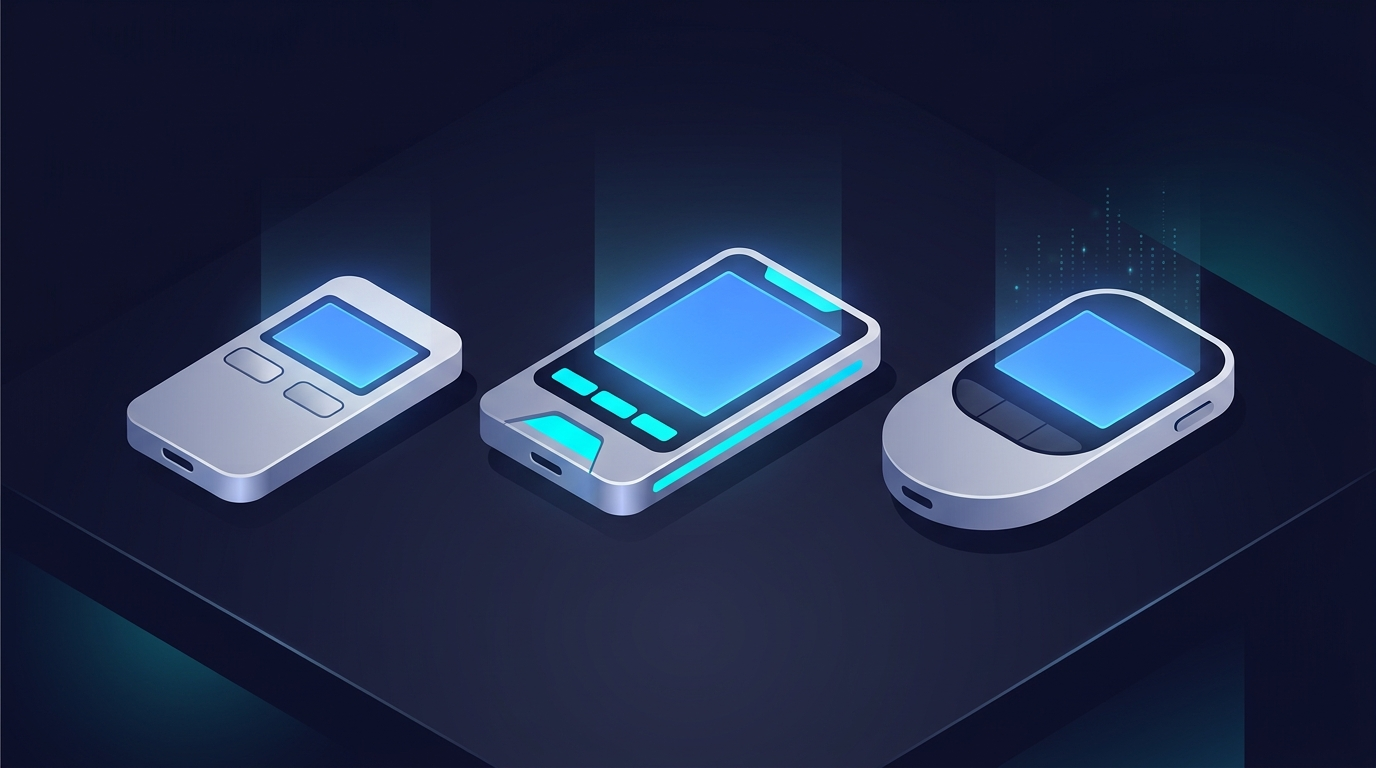
All three Trezor models share the same fundamental security architecture - keys generated and stored on-device, open-source firmware, PIN protection, and seed phrase backup. The differences come down to interface, coin support, and hardware security features.
The Model One is the right choice for most Bitcoin and Ethereum holders who want proven security at a budget price. The Model T adds a touchscreen and broader coin support - worth it if you hold XRP, Cardano, or want a more comfortable navigation experience. The Safe 3 hits a compelling middle ground - USB-C, Secure Element chip, and a price close to the Model One.
Whichever model you choose, the setup process follows the same steps.
How to Set Up a Trezor Wallet - Step-by-Step Beginner Guide
Setup is straightforward but involves more steps than most people expect. Each step exists for a security reason.
- Connect your Trezor to your computer - Use the included USB cable. Note: the Model One ships with a short Micro-USB cable (~8 inches). If your USB ports are in an awkward location, have a longer compatible cable on hand.
- Visit trezor.io/start - Go directly to the URL. Don't search and click the first result.
- Complete the security check - Visually inspect the device and packaging for signs of tampering before proceeding.
- Install Trezor firmware - Trezors ship without firmware intentionally. Choose: Bitcoin-only firmware (leaner) or universal firmware (Ethereum, Dogecoin, Litecoin, and more).
- Create a new wallet - The device generates your 24-word seed phrase. It never transmits this to your computer.
- Back up your seed phrase - Words appear on the device screen one by one. Write each in order on paper. The device prompts you to verify the sequence. Don't skip this. Don't photograph it. Don't type it anywhere.
- Set your PIN - Up to 50 digits. The randomized position grid prevents shoulder-surfing. Avoid birthdays or sequential numbers.
- Activate coins - Select which blockchains you want active on the device.
- Complete setup - consider Hidden Wallets - A Hidden Wallet is a separate wallet secured by a passphrase on top of your PIN. Even someone with your recovery phrase can't see it without the passphrase. Store the passphrase separately from your seed phrase, never together.
Trezor Suite - Features, Compatibility, and How to Use It
Trezor Suite is the official desktop application for managing your Trezor. Available for Mac, Windows, and Linux, it's also accessible as a web app at suite.trezor.io. A mobile app exists for iOS and Android, but with an important caveat: mobile is watch-only. You can view balances, but you cannot authorize transactions from a phone.
One honest limitation: Trezor Suite doesn't show balances on Layer 2 networks like Arbitrum, Polygon, or Optimism. If you're active on those chains, you'll see a zero balance in Suite even when your funds are there. The workaround is connecting your Trezor to MetaMask - it displays Arbitrum and Polygon balances accurately while still routing all transaction signing through the physical device. For context on why staking and DeFi integrations work differently across hardware and software wallet setups, Zipmex's staking guide covers the mechanics in detail.
Coinjoin and TOR support stand out as privacy-forward differentiators. Coinjoin splits and mixes Bitcoin transactions with other users, making blockchain analysis significantly harder. TOR routes your connection through the Onion Router network, masking your IP address during transactions.
Trezor vs Ledger - Which Hardware Wallet Should You Choose?
This is the comparison most people researching hardware wallets eventually make. Both are reputable - the right choice depends on your priorities.
The philosophical difference is significant. Trezor's firmware is fully open-source - anyone can read, audit, and verify what the device actually does. In 2023, Ledger launched "Ledger Recover," a service that raised concerns because it revealed the architecture could transmit seed data fragments to third-party servers. Ledger stressed it was opt-in, but for security-focused users, the architectural revelation mattered regardless.
Choose Trezor if: You're a security-first user, a Bitcoin maximalist, an open-source advocate, or someone who wants full verifiability over what their device does.
Choose Ledger if: You need Solana support, want a richer native app ecosystem, or prefer a more feature-heavy daily-use interface via Ledger Live.
Is Trezor Safe? Security Features, Known Vulnerabilities, and Best Practices
Trezor has never been successfully hacked remotely. That's the honest answer. The device's threat model is specifically designed to eliminate remote attack vectors - no internet connection means no remote exploit path.
What it protects against:
- Remote hacking and malware on your computer
- Phishing attacks (transaction details must be confirmed on-device)
- Exchange collapses or custodial failures
- Malicious smart contracts - you approve every transaction manually
What it doesn't fully protect against:
- Physical theft combined with a known or weak PIN
- Sophisticated physical attacks on Model One and T (power analysis, fault injection) - the Safe 3 adds a Secure Element chip specifically to address this
- Counterfeit devices - a real and documented threat identified by Kaspersky researchers
⚠ Red Flags When Buying a Trezor
- Device arrives with firmware pre-installed → don't use it, return immediately
- Purchased from eBay, Craigslist, or unofficial sellers → high counterfeit risk
- Packaging shows signs of opening or tampered seals → reject and report
- Always buy directly from trezor.io → or from verified authorized retailers listed on their site
Best practices once you have a Trezor:
- Set a PIN of at least 6-8 digits
- Enable a passphrase for Hidden Wallets on large holdings
- Store your seed phrase on paper (or a metal backup plate) - never digitally
- Update firmware promptly when SatoshiLabs releases updates
- Never enter your seed phrase into any website, app, or device other than your Trezor
Conclusion - Is Trezor Worth It in 2026?
For anyone holding crypto they'd genuinely miss losing, the answer is yes. Self-custody via a hardware wallet is the only way to hold crypto where the security is verifiable rather than assumed - and Trezor, as the original open-source hardware wallet, remains the benchmark for trustless key storage. For a complete breakdown of crypto storage strategies including hot wallets, cold storage, and exchange custody, the Zipmex 2026 storage guide covers the full spectrum.
The crypto world operates on a straightforward principle: not your keys, not your coins. Every day your private keys live on an exchange or a hot wallet is another day you're trusting someone else's security practices with your own funds. Hardware wallets like Trezor are how you take that control back. Buy directly from trezor.io - and check the packaging before you touch anything else.
Crypto trading and storage involve substantial risk. This article is for informational purposes only and does not constitute financial advice. Always conduct your own research before making any crypto-related decisions.
Last updated: April 2026.
Frequently Asked Questions
What is Trezor and what is it used for?
Trezor is a hardware wallet - a small physical device used to store cryptocurrency private keys in an offline environment. Created by SatoshiLabs and launched in 2014, it was the world's first hardware wallet. You use it to secure Bitcoin, Ethereum, and 1,000+ other cryptocurrencies by keeping your private keys off any internet-connected device. When you want to send crypto, the transaction is signed inside the Trezor itself and only the signed result is transmitted - your keys never touch an online environment.
Who made Trezor and when was it created?
Trezor was created by Czech developers Marek "Slush" Palatinus and Pavol "Stick" Rusnak, who co-founded SatoshiLabs in 2013. The name "Trezor" comes from the Czech word for "vault." The first prototype was unveiled at Bitcoin2014, and production units began shipping in 2016. SatoshiLabs is headquartered in Prague, Czech Republic, remains privately owned, and has grown to 150+ employees developing all Trezor hardware and software including the open-source Trezor Suite application.
What does Trezor do with my private keys?
Trezor generates your private keys directly on the device during initial setup and never transmits them to your computer, phone, or any external system. The keys are stored in the device's secure memory and used only to sign transactions internally. When you send crypto, the transaction request is sent to the Trezor, signed offline inside the chip, and only the signed transaction is broadcast to the blockchain. Even if your computer is completely compromised by malware, your private keys remain protected inside the device.
Is Trezor safe from hackers?
Trezor has never been successfully compromised remotely. The design eliminates remote attack vectors by keeping private keys offline - there's no internet connection for a hacker to exploit. However, it's not unconditionally invulnerable. Sophisticated physical attacks are a theoretical risk on Model One and T, which lack a Secure Element chip - the Safe 3 adds one to address this. The more practical threat is counterfeit devices sold through unofficial channels. Always buy directly from trezor.io, inspect tamper-evident packaging on arrival, and set a strong PIN.
What is a seed phrase and why does Trezor require one?
A seed phrase is a sequence of 24 random words generated during your Trezor's initial setup. These words encode your entire wallet - all accounts and addresses across all supported blockchains. If your Trezor is lost, stolen, or damaged, entering the same 24 words into a new Trezor restores complete access to your funds. Trezor requires this because there's no centralized server holding your data - you are your own bank. Losing both the device and the seed phrase with no backup means your funds are permanently inaccessible, with no exceptions.
What is the difference between Trezor Model One and Model T?
The Model One is the original entry-level device with a small monochrome display and two physical buttons, priced around $69. The Model T adds a larger color touchscreen, USB-C connectivity, and support for additional cryptocurrencies including XRP and Cardano, priced around $219. Both share the same core security architecture and open-source firmware. Choose the Model T if you hold XRP or Cardano, or prefer touchscreen navigation. For Bitcoin and Ethereum holders prioritizing cost efficiency, the Model One provides the same fundamental security at a significantly lower price.
Does Trezor support Solana?
No. As of 2026, Trezor does not support Solana on any of its models. This is one of the more notable gaps in Trezor's coin support. If Solana is a significant part of your portfolio, Ledger currently offers Solana support and may be a better fit for your holdings. Trezor's architecture has historically been centered on Bitcoin-focused security design, and Solana's integration complexity has not yet been publicly addressed on their roadmap.