To create an NFT, you need a self-custody wallet, a small balance of the chain's native token for gas, and a marketplace tool that deploys a contract and mints your file. To buy one, connect that wallet to a marketplace, check the collection's contract address, and confirm the purchase. To sell one, list it from your wallet at a price you set. On OpenSea, the seller fee is 1%, any creator earnings are added on top, and you may pay a one-off gas fee to approve the collection. The steps below explain each stage, what it costs, and where people lose money.
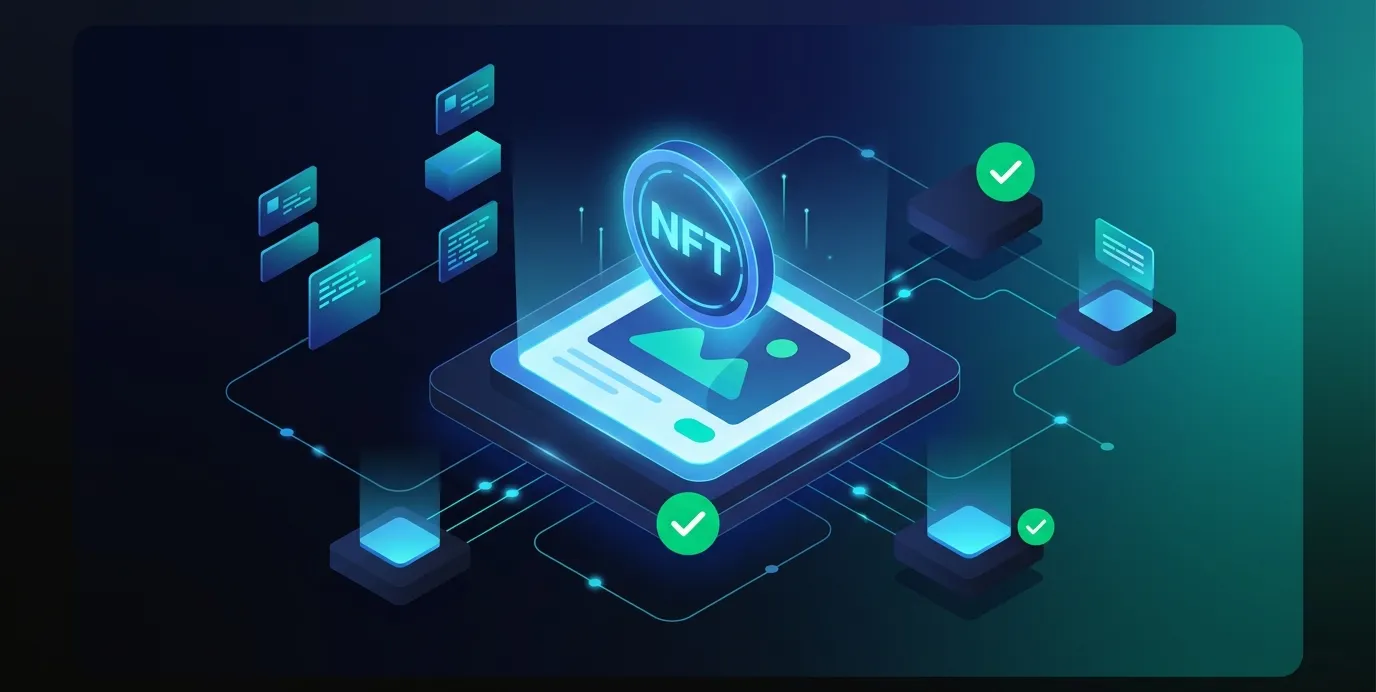
What an NFT actually is
An NFT is a token recorded by a smart contract on a blockchain. On Ethereum and compatible chains, two standards are used most:
- ERC-721 defines a common interface for non-fungible tokens, where each token tracks a distinct, individually owned asset. It is a Final standard, created on 24 January 2018.
- ERC-1155 lets one contract manage many token types, fungible and non-fungible, each with its own ID. This is how a single contract can issue one-of-one pieces and editions side by side.
The image, video or audio file is usually not stored on-chain. In ERC-721, the optional metadata extension gives each token a tokenURI, "a distinct Uniform Resource Identifier (URI) for a given asset". That URI typically points to a JSON file, which in turn points to the media. In practice, you own a token that refers to a file someone has to keep hosting.
How to create (mint) an NFT
The steps below follow OpenSea's own Studio documentation. Other marketplaces' tools differ in layout but follow the same logic: deploy a contract, then mint tokens into it.
Step 1: Set up a wallet and secure the recovery phrase
You need a self-custody wallet that supports your chosen chain, such as MetaMask on Ethereum and other EVM chains, or Phantom on Solana. The wallet's Secret Recovery Phrase is the only way to restore it. MetaMask states: "We will never ask you to provide your SRP". It also says it cannot recover a lost phrase. Anyone who asks for your phrase is trying to steal from you.
Step 2: Choose a chain
Your choice of chain sets your costs and determines which marketplaces and wallets work with your NFT. Gas costs vary with network congestion. On Solana, the protocol charges a base fee of 5,000 lamports per signature. OpenSea's Studio asks you to pick an EVM chain when you deploy a contract.
Step 3: Deploy a contract in OpenSea Studio
- Open Studio from the left sidebar and click Create new.
- Choose Create Collection to mint NFTs directly into your wallet. NFTs cannot be moved between collections later.
- Add a logo, a contract name and a token symbol. You can change the logo later, but not the name or the symbol.
- Select an EVM chain, click Publish Contract and approve the request in your wallet.
Deploying a contract costs gas. OpenSea notes that gas goes to the network's validators, not to OpenSea, and that fees are non-refundable even if the transaction fails.
Step 4: Upload and mint
- Open the Media & Metadata tab and upload your file.
- Enter a name and a supply. A supply of 1 makes the item unique.
- Optionally, add a description, an external link and traits.
- Click Mint and approve the transaction. Minting also requires gas.
OpenSea mints these items as ERC-1155 tokens, and all NFTs in one collection must use the same file type. Only mint work you hold the rights to.
Where your file lives
If the metadata points to an ordinary web server, the NFT can lose its media when that server goes offline. IPFS addresses content by its hash. However, its own documentation says it "doesn't guarantee that any content is persistently available". Files stay up only while at least one node pins them. Before you mint or buy, check where the media is stored and who pays to keep it pinned.
A note on Zora
Older guides recommend Zora for free minting. Zora's developer documentation now centres on coins and its Coins SDK, and its NFT documentation is labelled "Legacy". Check what the platform currently offers before you follow an older tutorial.
What you keep from an NFT sale
Enter your listing price, the selling fee and any creator earnings you pay to estimate what reaches your wallet before gas.
| Your listing price, in the chain's native token | Marketplace selling fee | Creator earnings you pay | Gas you pay, in the native token (collection approval or accepting an offer) | Estimated proceeds |
|---|---|---|---|---|
| 10 tokens | 1 % | 0 % | 0 tokens | 9.9 tokens |
| 10 tokens | 1 % | 1 % | 0 tokens | 9.8 tokens |
| 1 tokens | 1 % | 10 % | 0 tokens | 0.89 tokens |
- Price, creator earnings and gas are your own inputs, not figures from any source.
- The 1% selling fee is from the marketplace's fee page as of October 2026, and the article notes that prices can change at any time.
This estimates a secondary sale on one marketplace's October 2026 fees only. It leaves out the 10% primary drop mint fee, 0% private listings, tax, and whether any buyer will pay your price.
How to buy an NFT
- Fund your wallet with the native token of the chain the NFT is on, plus enough extra for gas.
- Connect your wallet to the marketplace. The wallet acts as your login.
- Verify the contract address against the project's official website or social accounts. Copycat collections with near-identical names and images are common.
- Check the listing: price, the collection's floor price, recent sales, and where the media is stored.
- Buy or make an offer. On OpenSea, "Buyers pay gas fees when purchasing an item in a fixed-price listing." Once a transaction is confirmed on-chain, it cannot be reversed.
OpenSea also warns that it will never ask you to send funds in order to sell an item or fix a failed transaction. A request like that is a scam.
How to sell an NFT
Listing
On OpenSea, go to your profile, the item page or the collection page and click List item or List for sale. The listing form lets you:
- set a price, or match the collection's floor or trait floor;
- see your estimated proceeds after fees (Adjust for fees);
- reserve the item for one buyer's wallet address or ENS name (a private listing);
- choose a duration between 15 minutes and 6 months.
To list several items in one go, they must be on the same chain.
Gas when selling
The first time you sell from a collection, you may be asked to approve it, which costs gas. After that, OpenSea says, listings for that collection are gas-free. Accepting an offer is different: "Sellers pay gas fees when accepting offers."
Fees and creator earnings
According to OpenSea's fee page, accessed October 2026:
- Selling fee: 1%, included in the price buyers see.
- Primary drop mints: a 10% fee. The creator's payout address receives the remaining 90% of the mint price.
- Private listings: typically 0% OpenSea fee "at this time".
- OpenSea says its prices can change at any time.
Creator earnings, also called royalties, are set per collection and are either enforced or optional. If they are enforced, the set percentage is paid at the time of sale. If they are optional, the creator suggests a rate and the seller decides whether to pay it. At the contract level, the ERC-2981 standard only lets a contract report who should receive a royalty and how much. It states that "The royalty payment must be voluntary". Creators should not assume they will earn royalties on every resale.
Risks to weigh first
- Liquidity: there may be no buyer at your price when you want to sell.
- Counterfeits: check the contract address, not just the name or image.
- Irreversibility: confirmed transactions cannot be reversed, and gas is not refunded on failure.
- Media durability: a token can outlive the file it points to.
- Changing terms: marketplace fees and royalty rules have changed before and can change again.
Limitations: the minting, listing and fee steps rest on one marketplace's own help pages, OpenSea's, as of October 2026. Other platforms and later changes may differ, and nothing here is investment advice.